
Dec 10 2011

Video: Adding Selective Detail to Your Paintings

by Synthetik in Projects, Tutorials, Video Tutorial

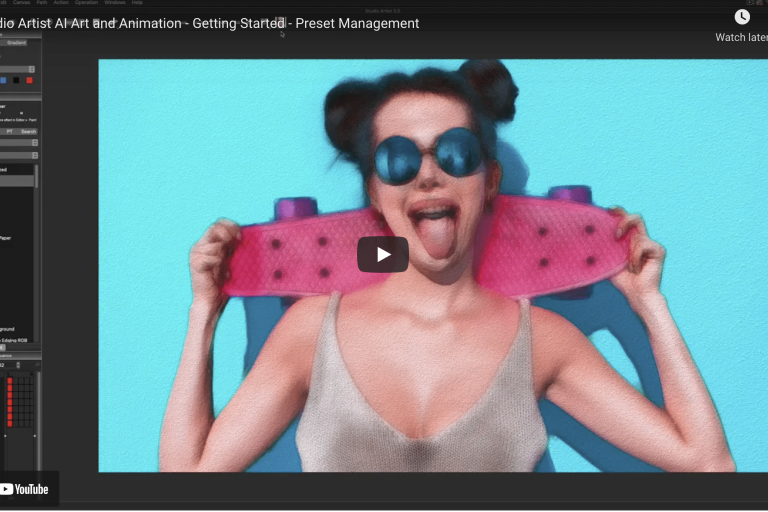
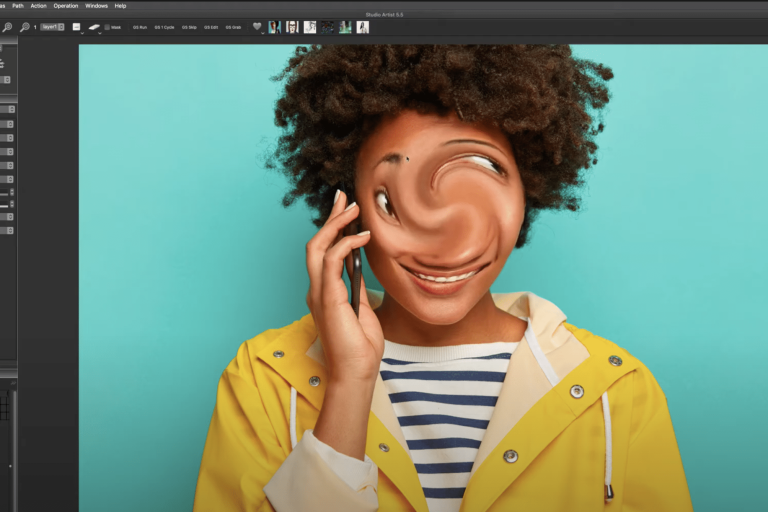
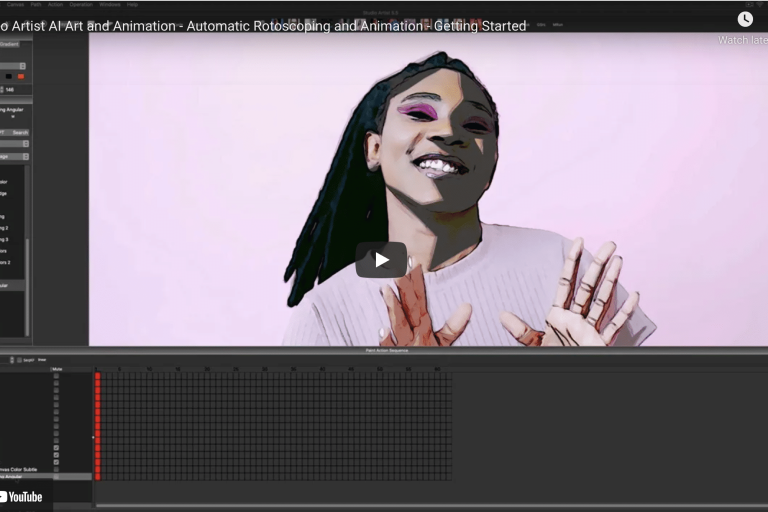
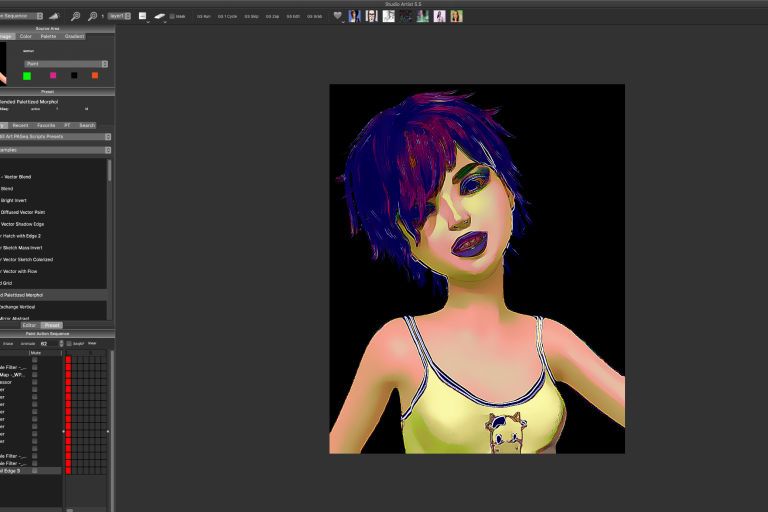
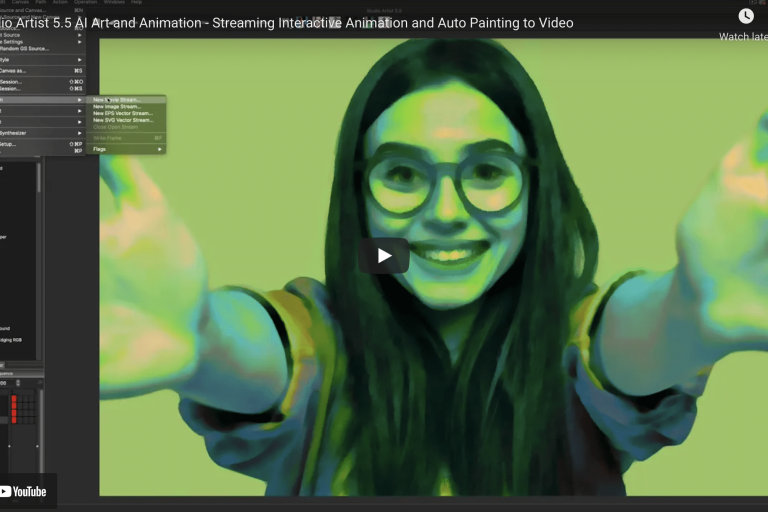
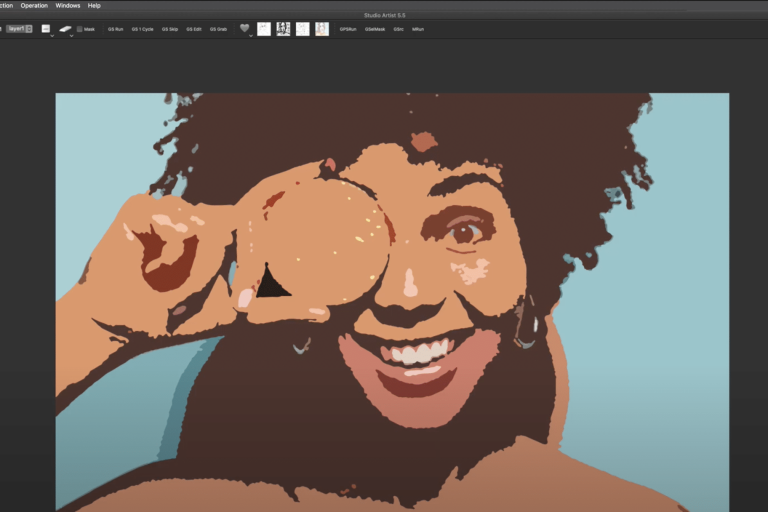
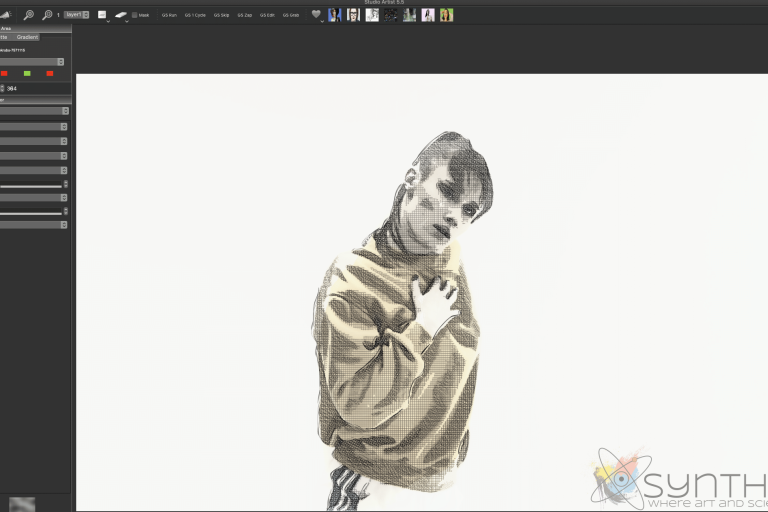
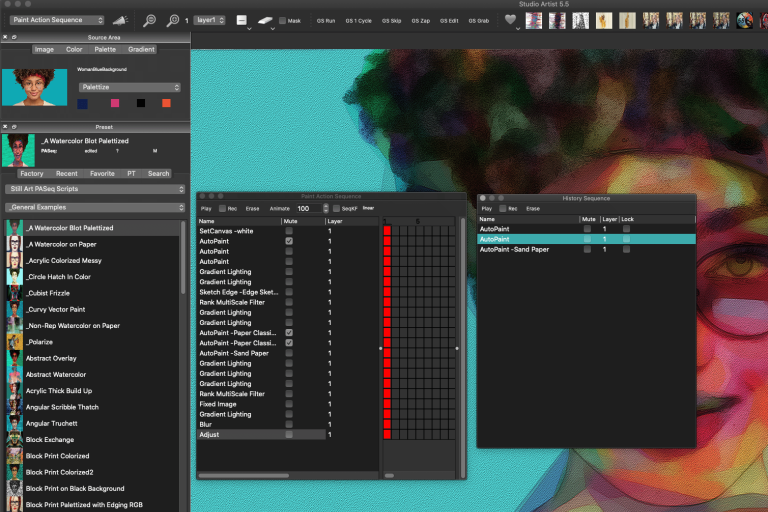
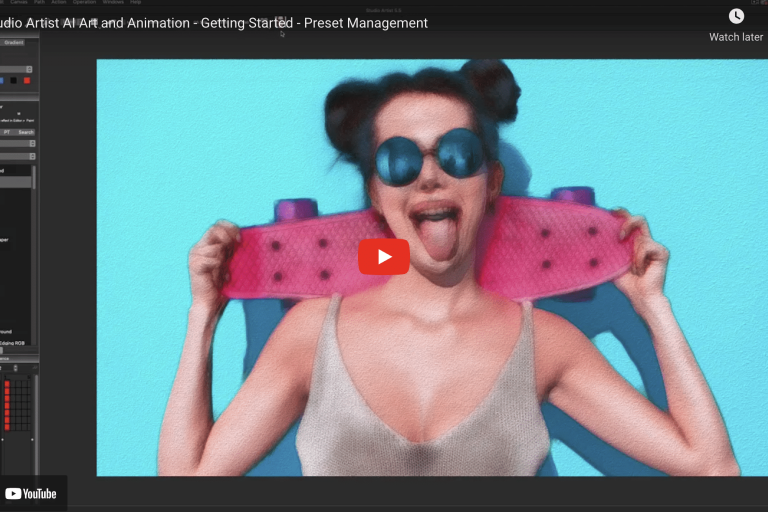
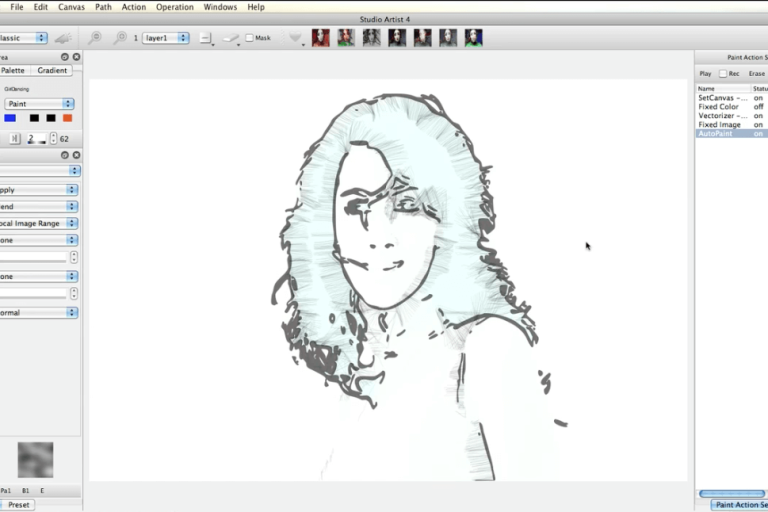
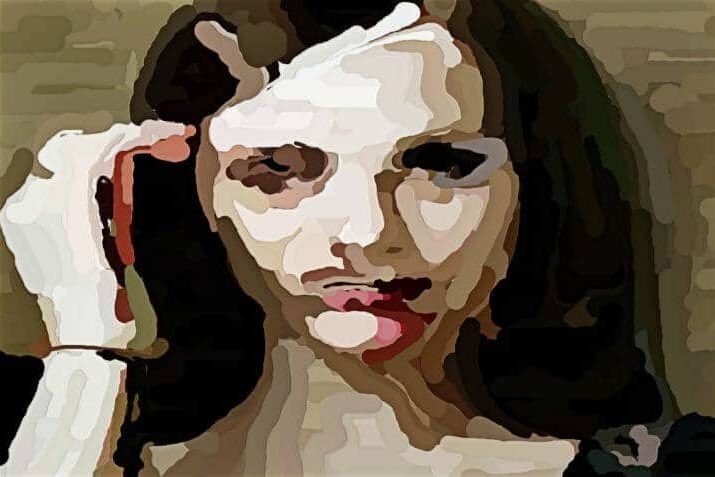
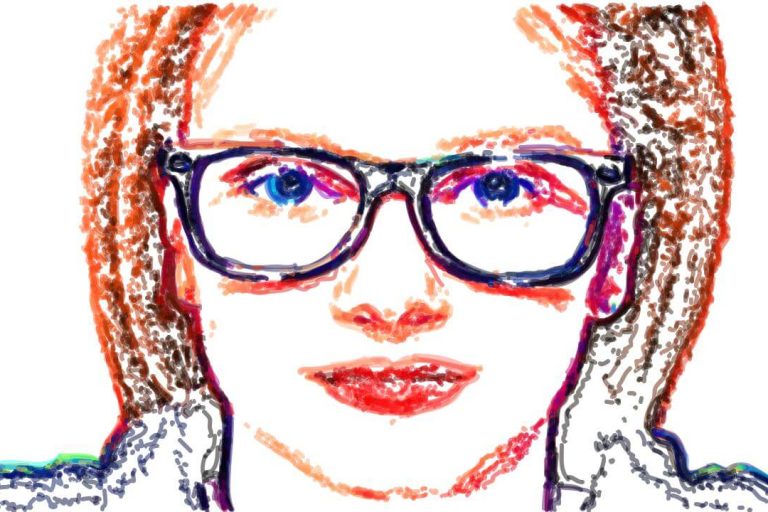
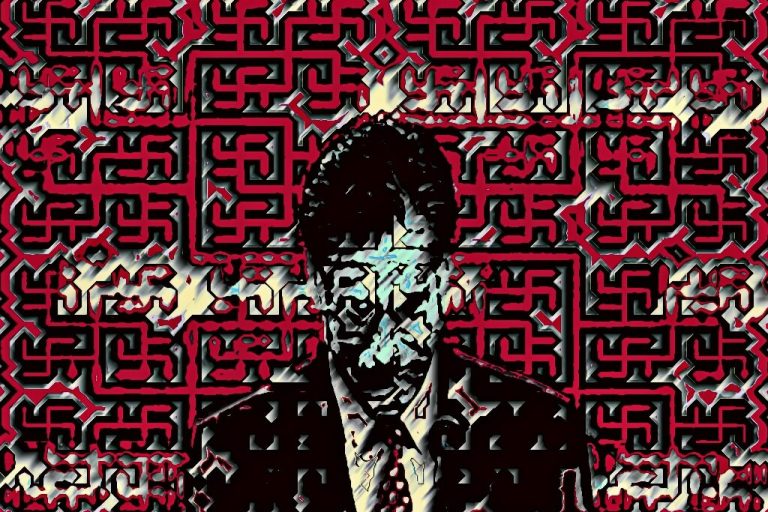
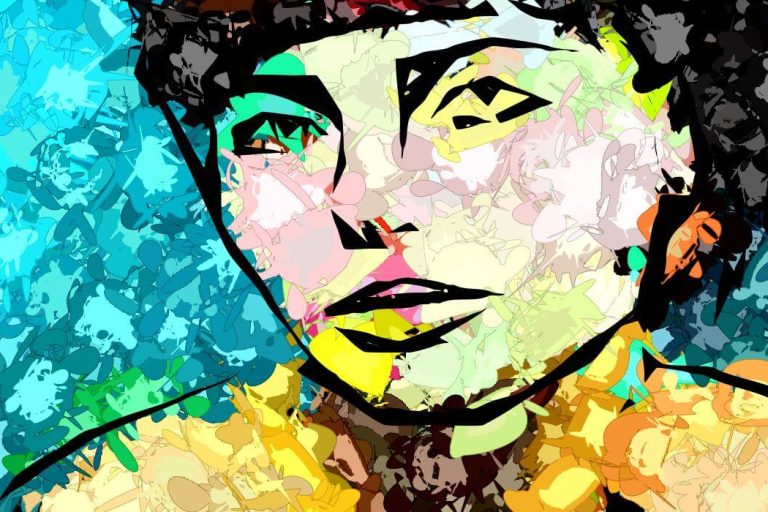
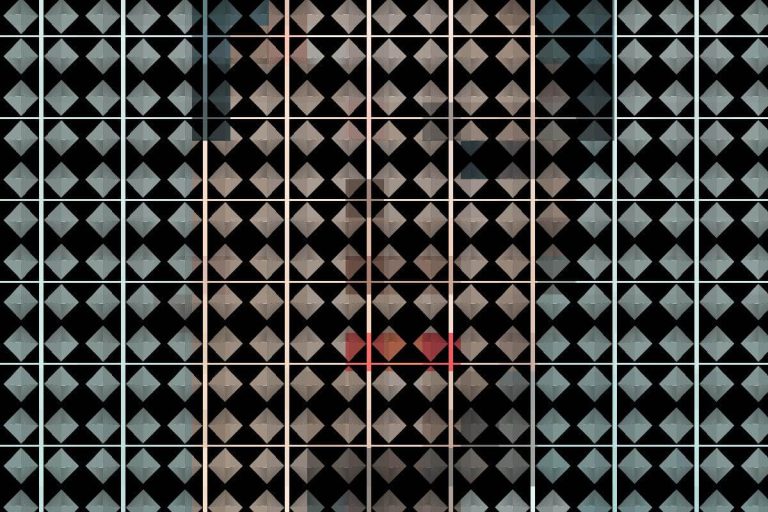
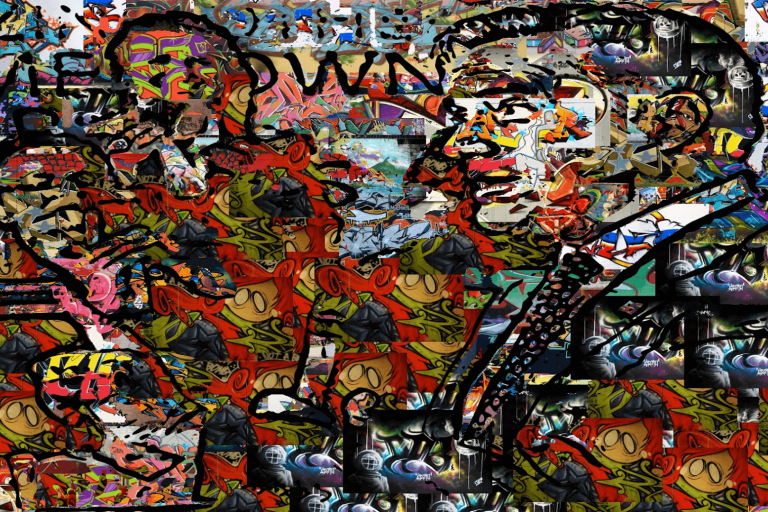
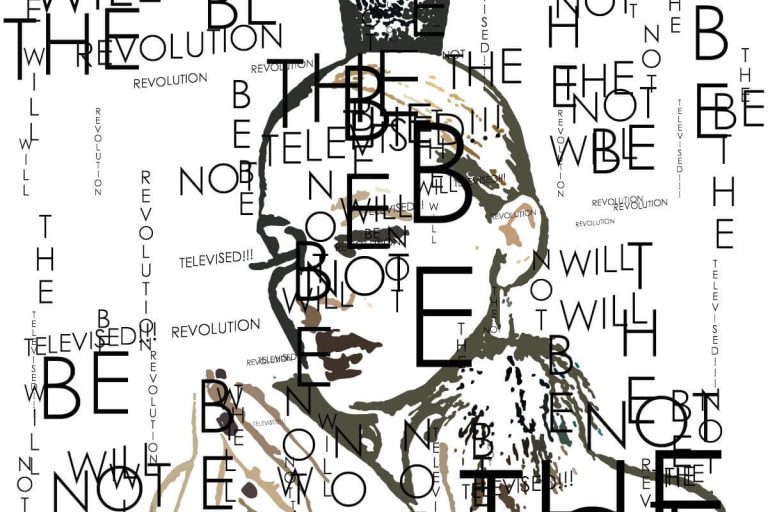
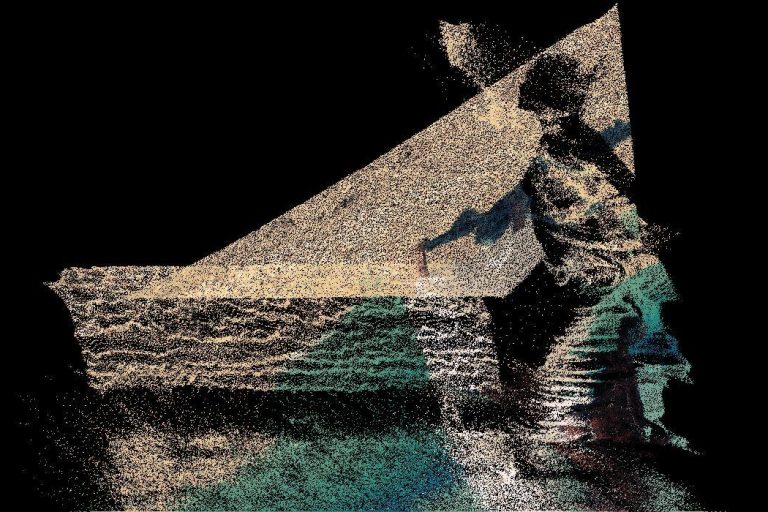
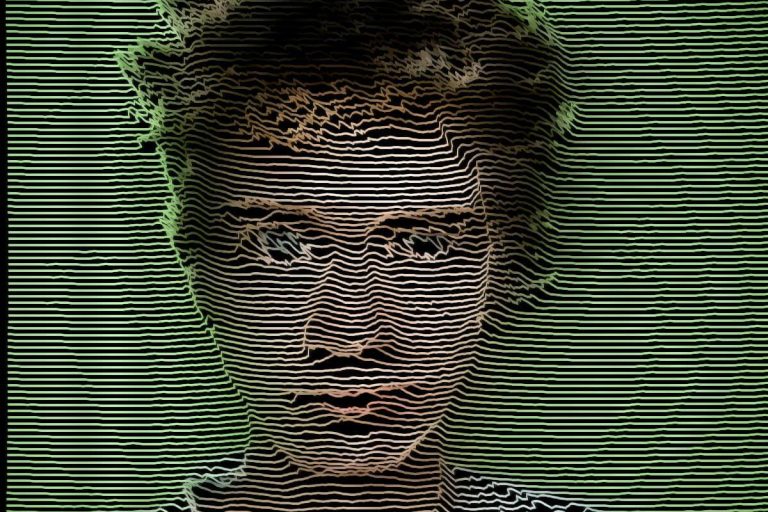
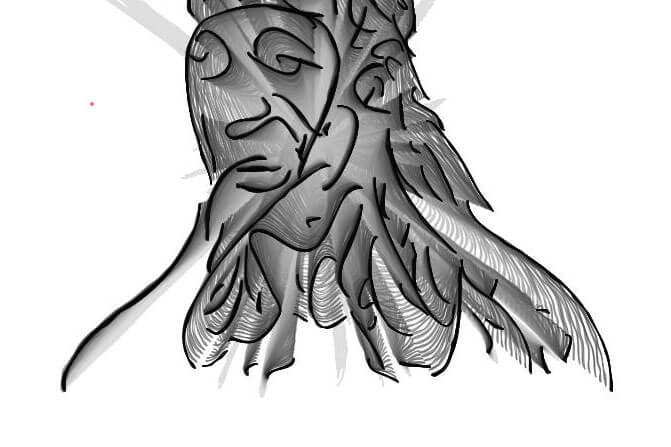
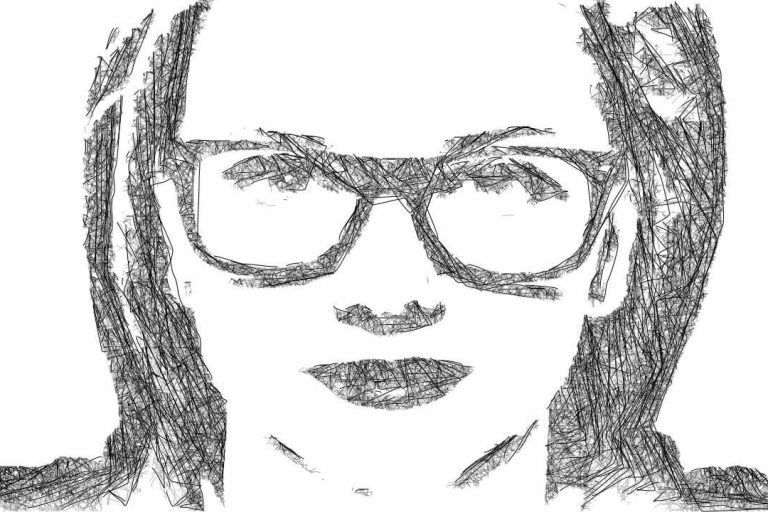
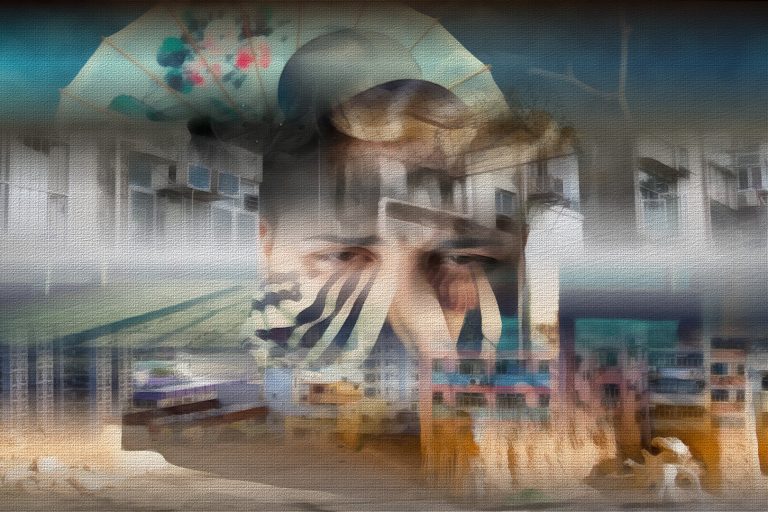
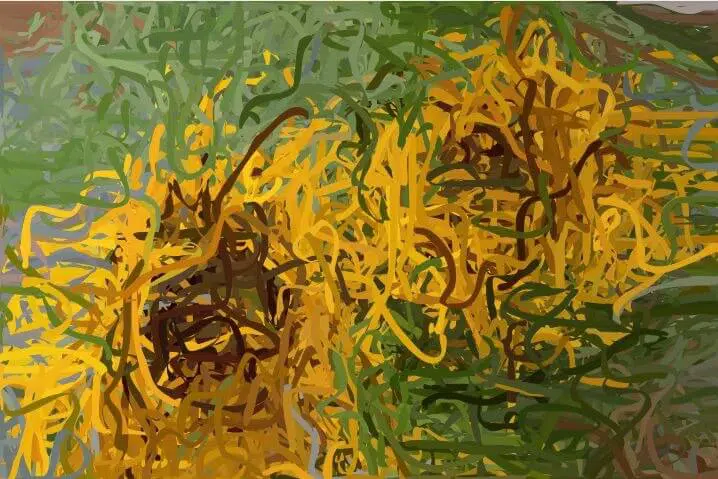
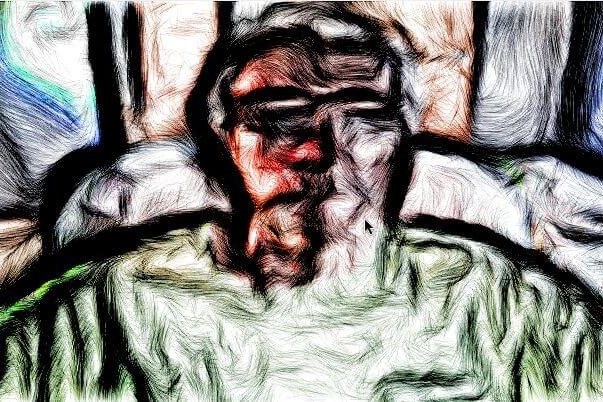
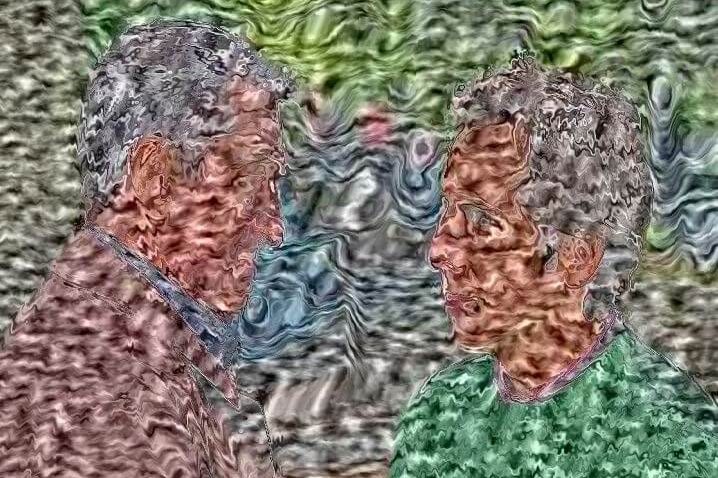
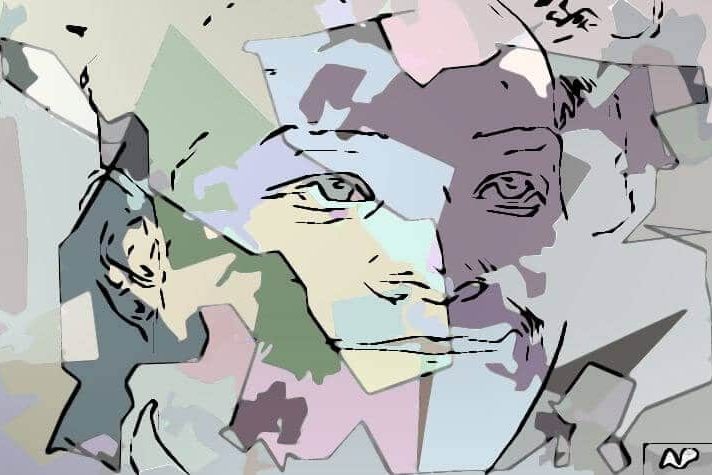
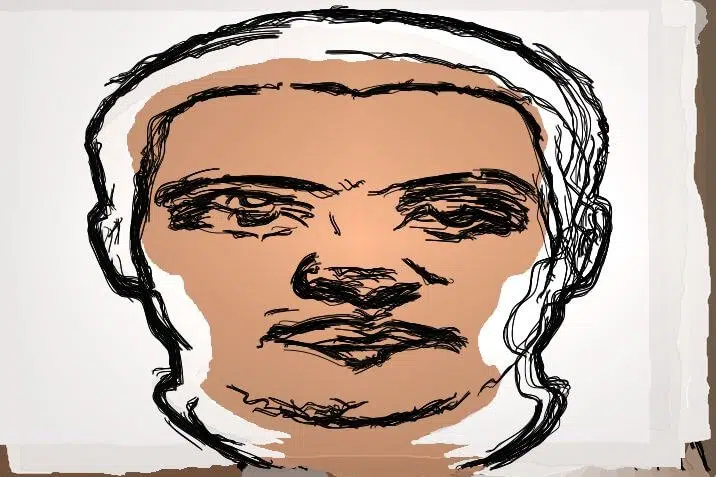
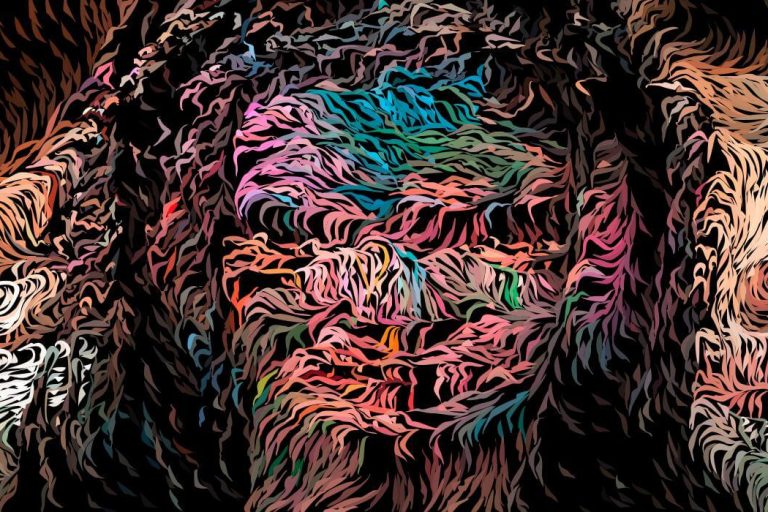
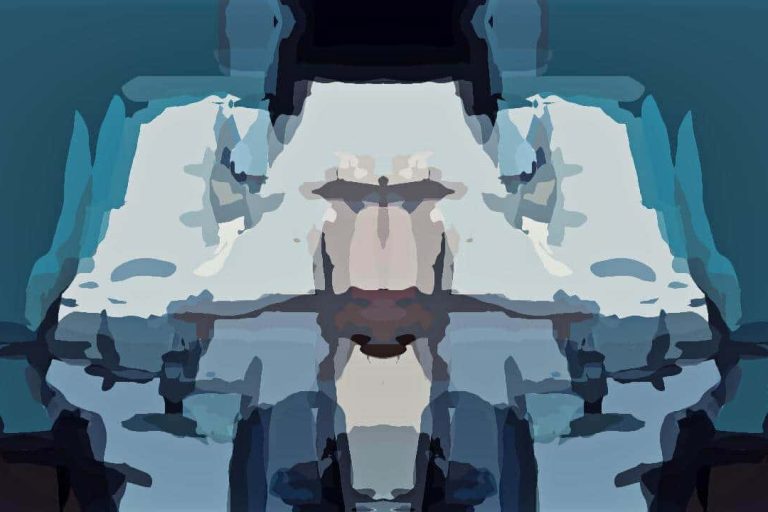
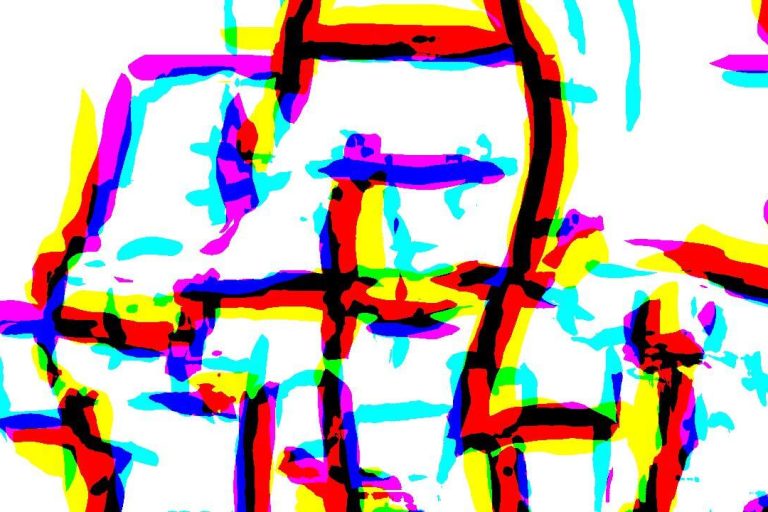
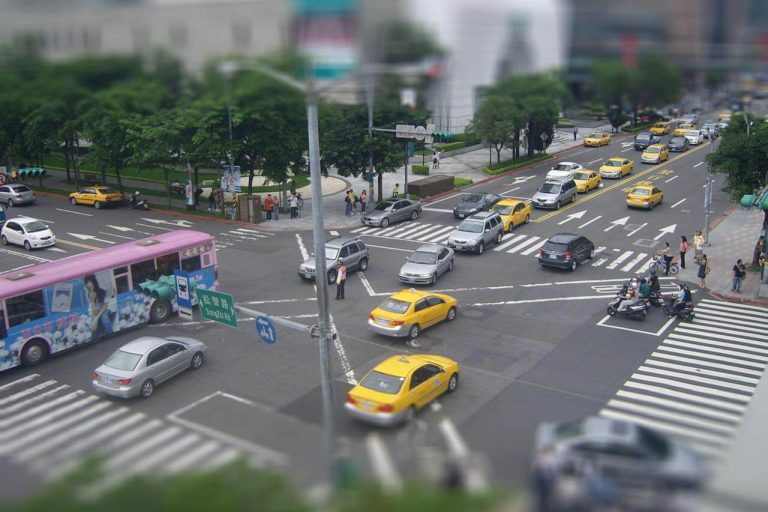
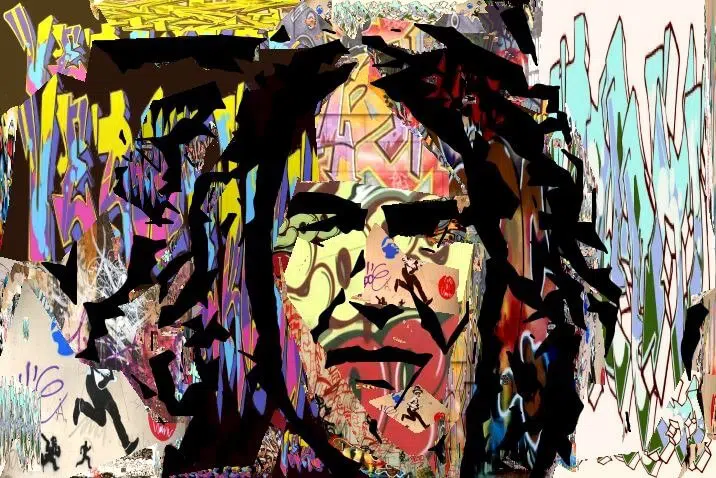
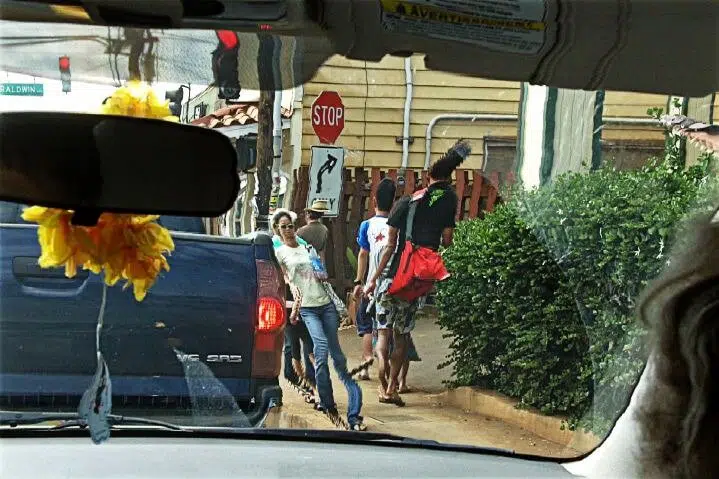
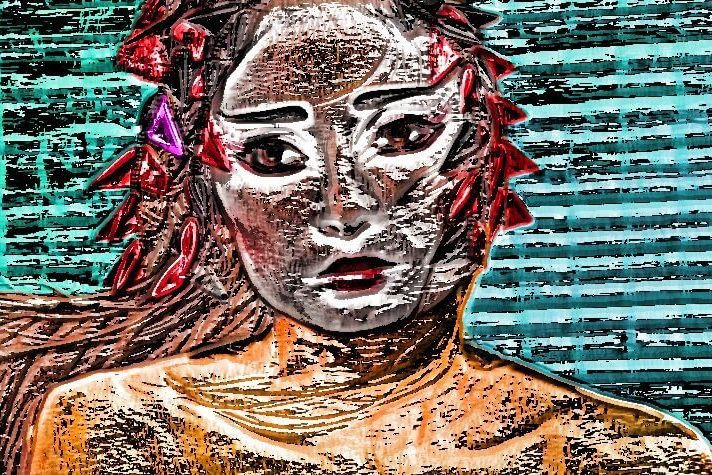
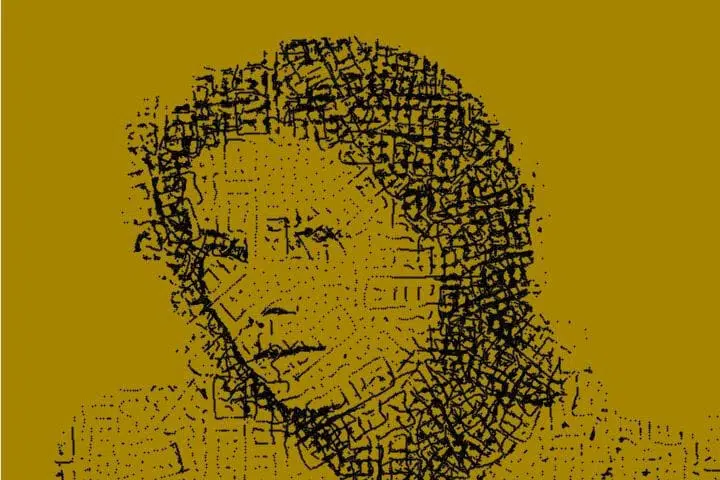
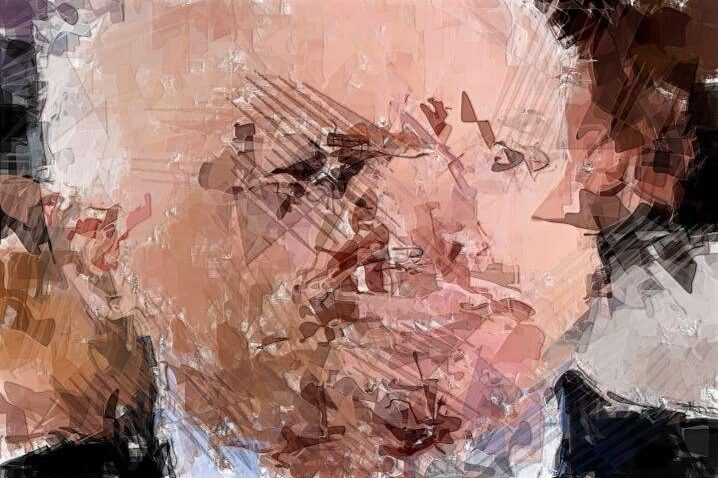
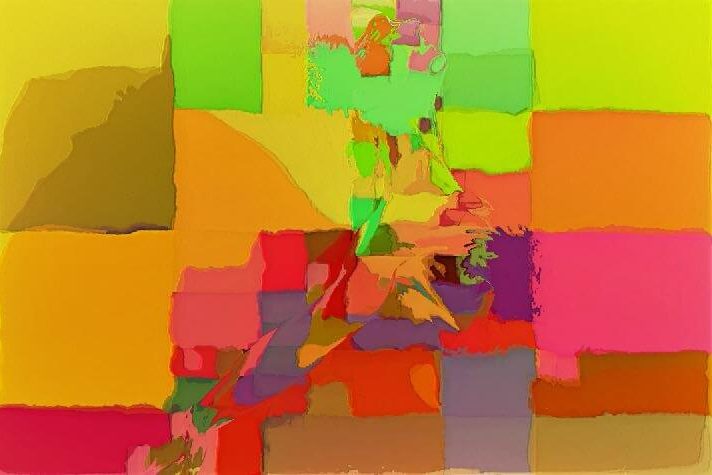
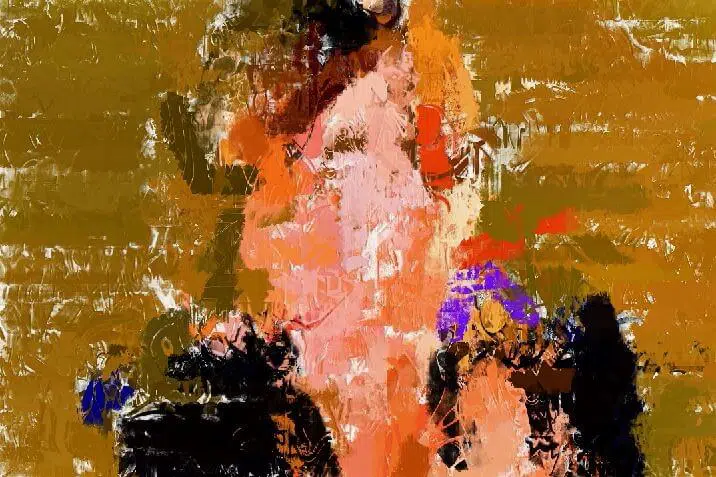
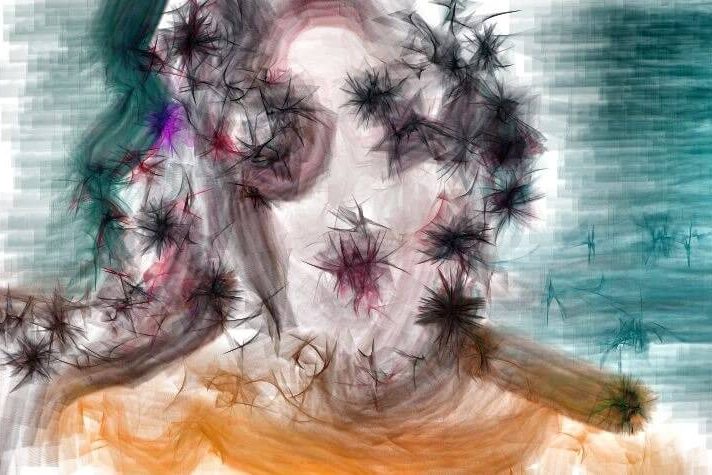
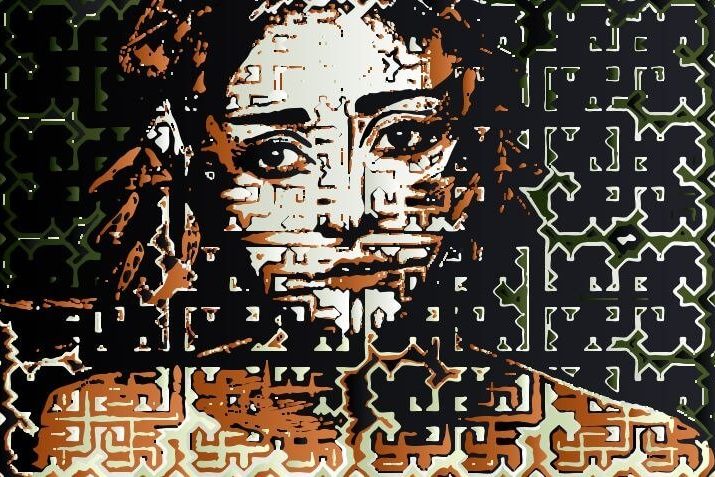
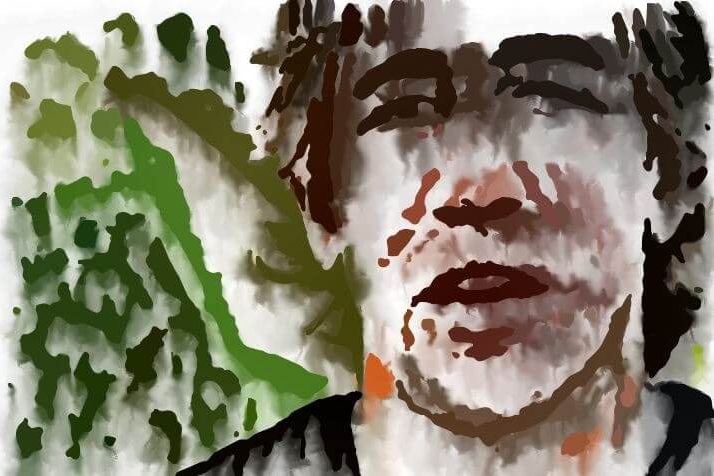
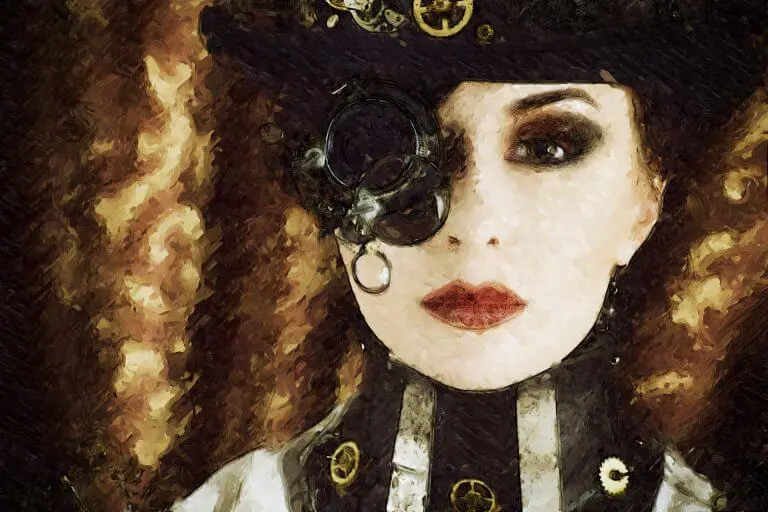
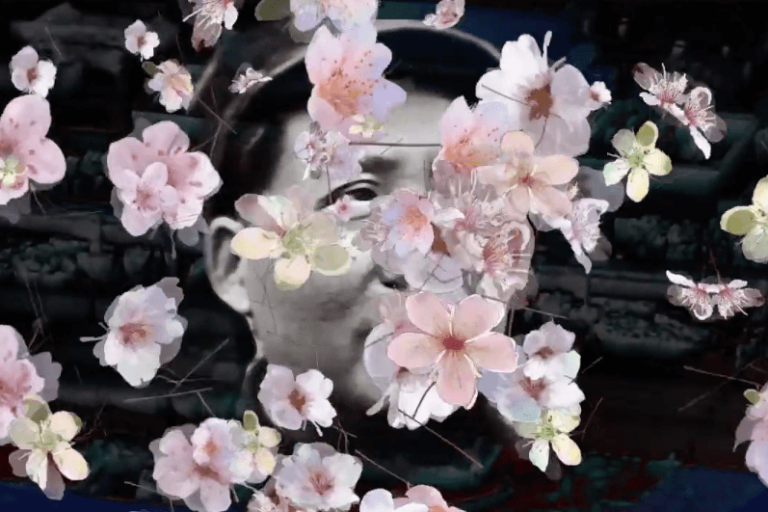
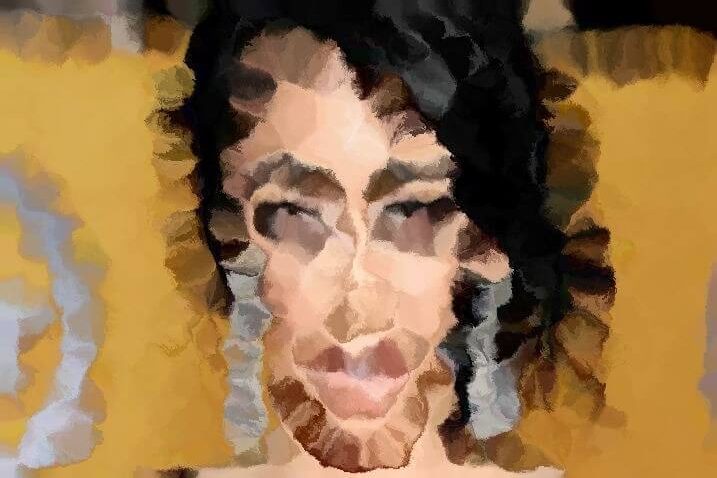
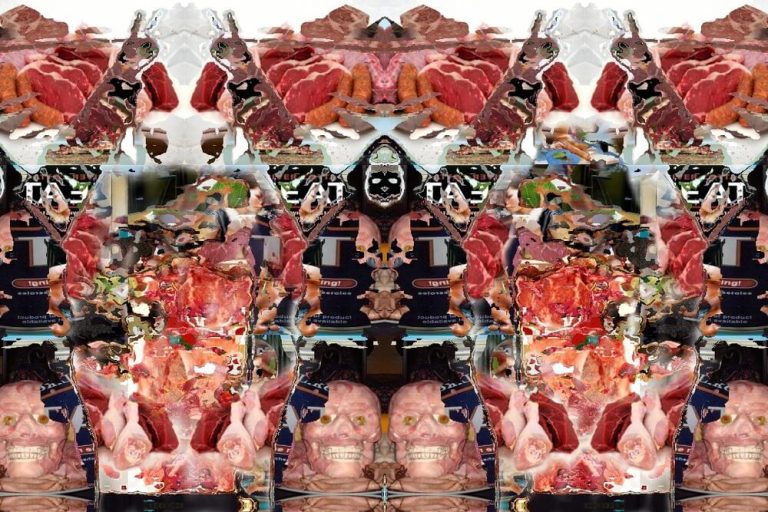
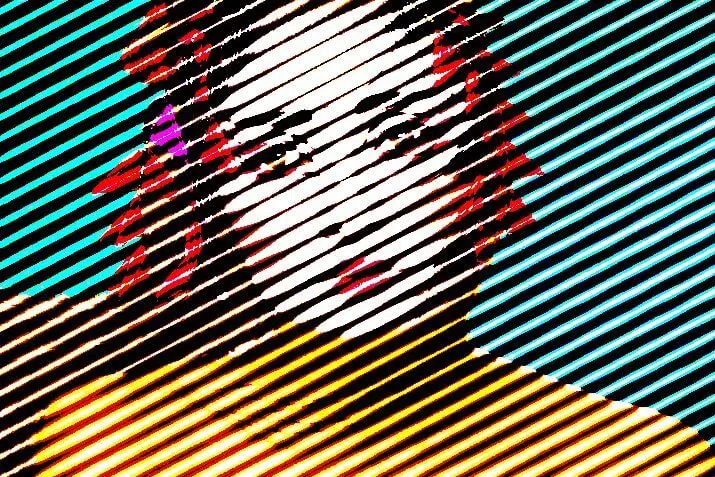
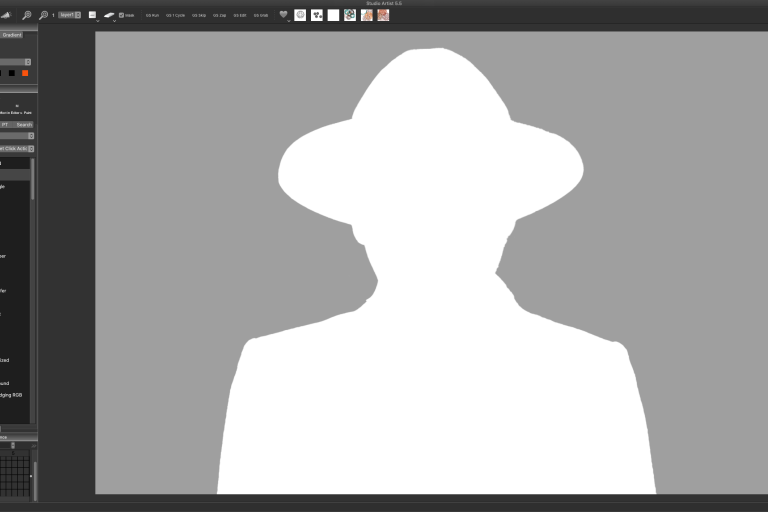
So you really like your painting but you want to bring out the eyes and mouth a bit more or a bit of detail here and there from the source image. It’s easy to do.  Just watch this video on bringing in detail to your paintings.

Read more

Nov 18 2011

Download Studio Artist Training Videos to your Computer

by Synthetik in Tutorials

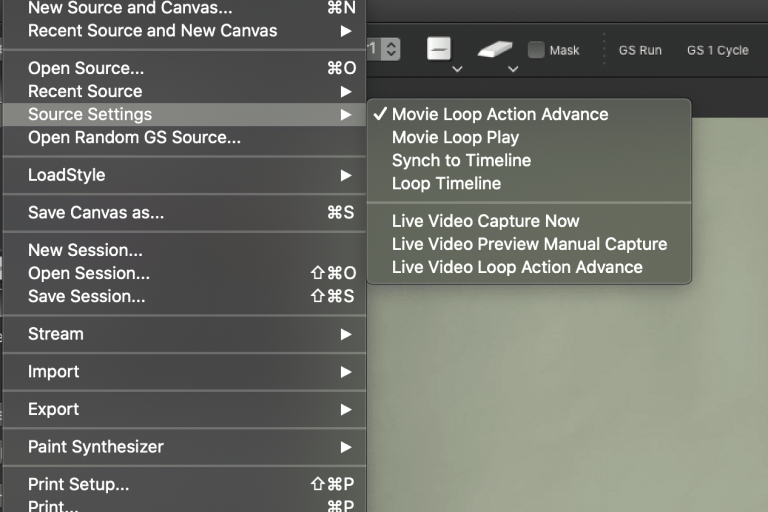
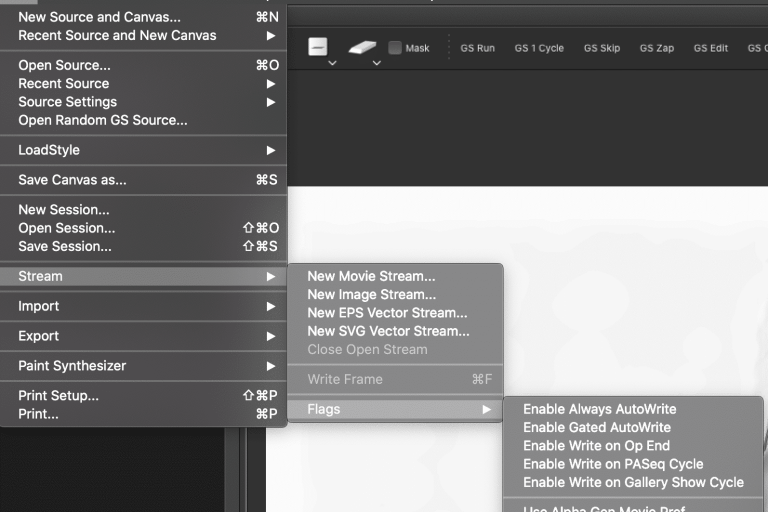
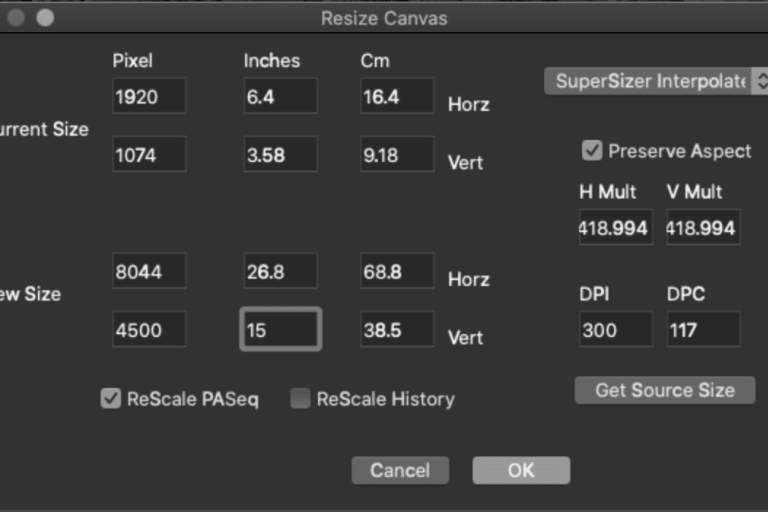
Its easy to download the training videos to your computer. 1) If the training video is on vimeo then click on the Vimeo logo to go to Vimeo. 2) Once you are on the Vimeo site Ctrl click (mac) or right click (windows) the “Download this video” link in “About this Movie”  See pic below. NOTE:  It you just click the “Download this Video” link it will playback in a larger screen which makes it great for watching!     If the video is on our server let it fully load and then click on the down arrow on the bottom right of the screen and save as a quicktime movie.    

Read more

Nov 12 2011

ProRes 422, Studio Artist Movies and Final Cut Pro

by Synthetik in Technology, Tutorials

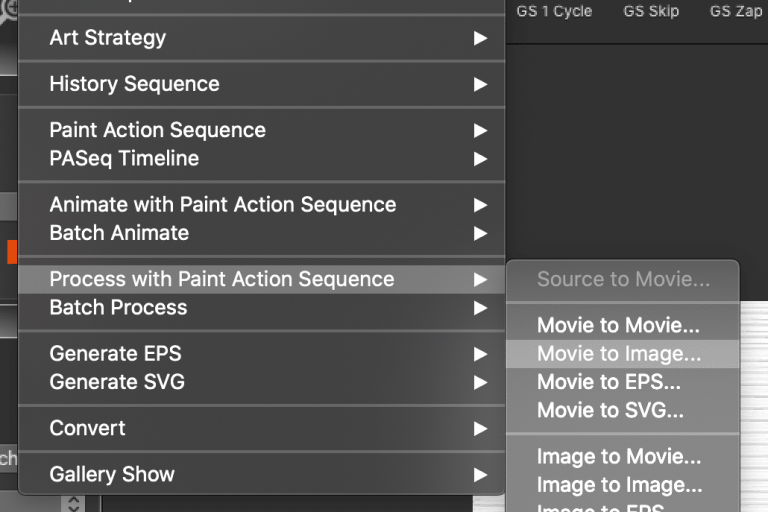
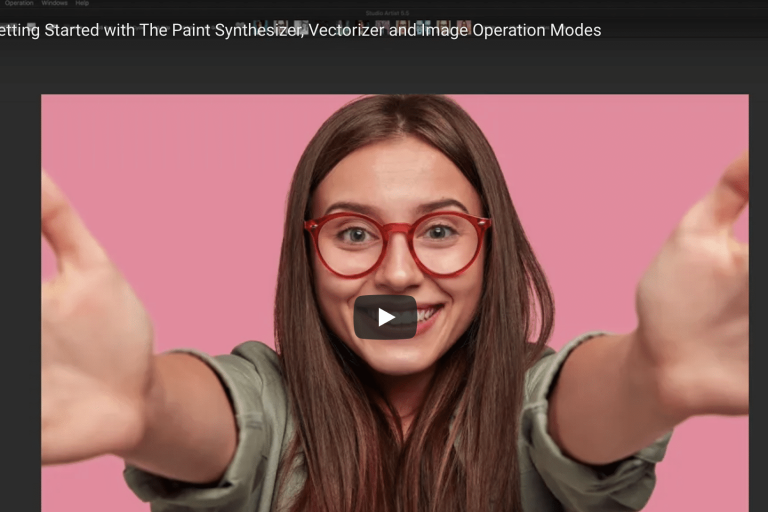
When outputting a movie from Studio Artist you can take advantage of the the ProRes 422 codecs if you have Final Cut Pro installed on the same machine as Studio Artist.  Apple only allows this compression on Mac computers with FCP installed.  If you do not have FCP then please see the below advice for Windows users wanting to use compression.

Read more

Aug 17 2011

Using Custom Favorites Presets to Build Gallery Show Effects

by Synthetik in Gallery Show, Presets

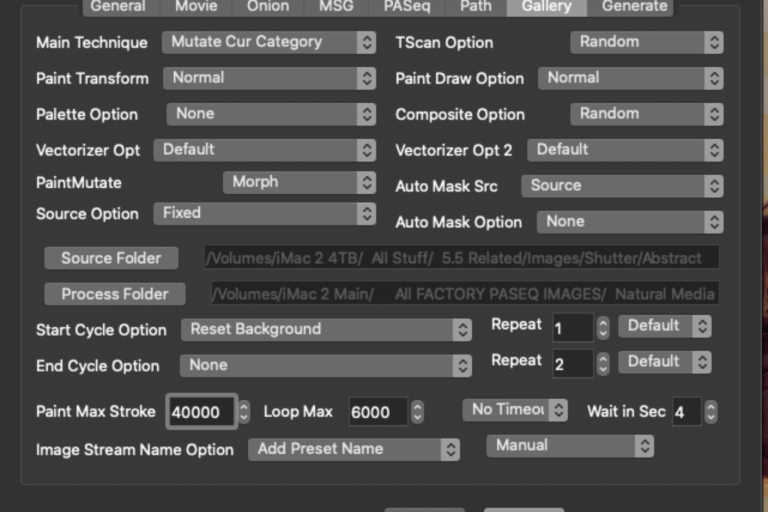
Yesterday we discussed how to build custom preset Favorites categories. One cool feature of Favorites categories is that you can combine together different operation mode presets into a single accessible category. This is useful for organizing different kinds of presets (like paint and image operation presets) that work together to build specific visual effects. Favorites categories can also be used to control Gallery Show processing in several different ways. Today’s post takes a look at using a custom preset Favorites category as a Start Cycle Option for a Gallery Show effect.

Read more

Aug 16 2011

Organizing Your Workspace with Custom Favorites Presets

by Synthetik in Uncategorized

The Preset Favorites Toolbar provides a way to custom organize different Studio Artist presets. You can build custom Favorites categories to provide quick access to presets you frequently use in your work. The Favorites toolbar is also useful when manually painting, since it takes up much less screen real estate than the full Preset Browser palette. Favorites categories also provide a way to mix and match different preset types in a single category. So you could do something like make a category for watercolor effects that included watercolor paint presets as well as image processing presets that simulate wet canvas effects.

Read more

Aug 15 2011

Path Start Regionize Using Region Draw Pen Mode Hatching Patterns

by Synthetik in Uncategorized

Yesterday we discussed how you can use Region Draw Pen Mode to automatically generate different hatching patterns to fill in interactively drawn regions. Today we’ll show how you can use the Region Draw Pen Mode hatching patterns to fill paint regions generated by path start regionization.

Read more

Aug 14 2011

Region Draw Pen Mode

by Synthetik in Uncategorized

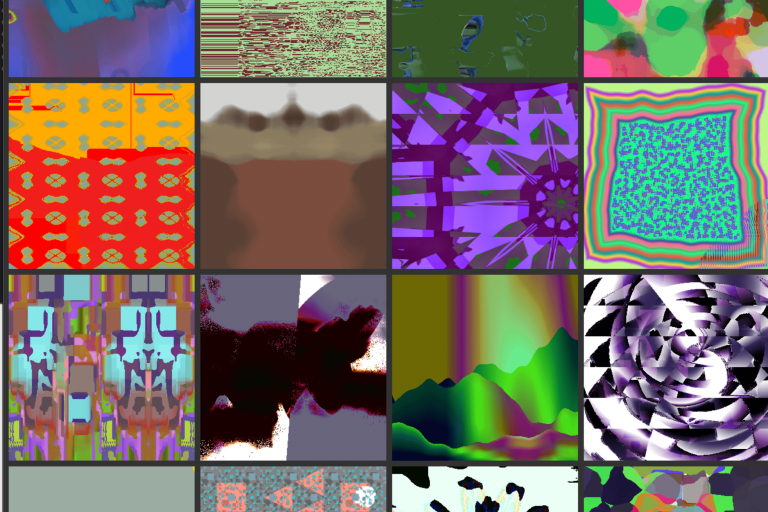
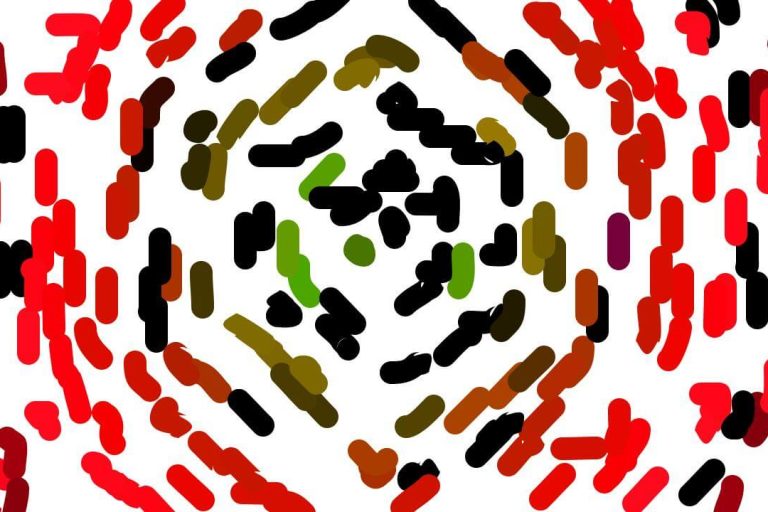
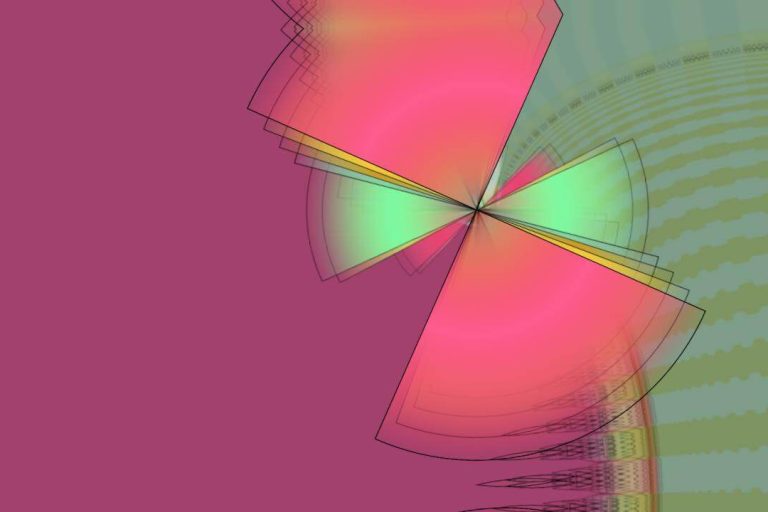
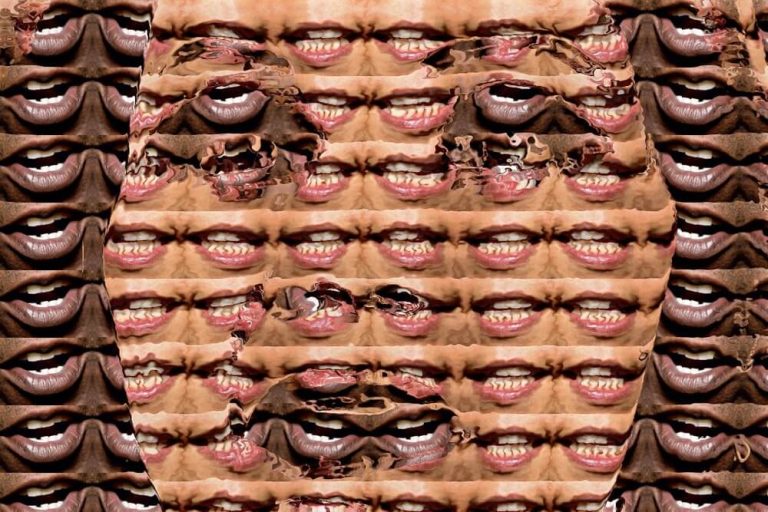
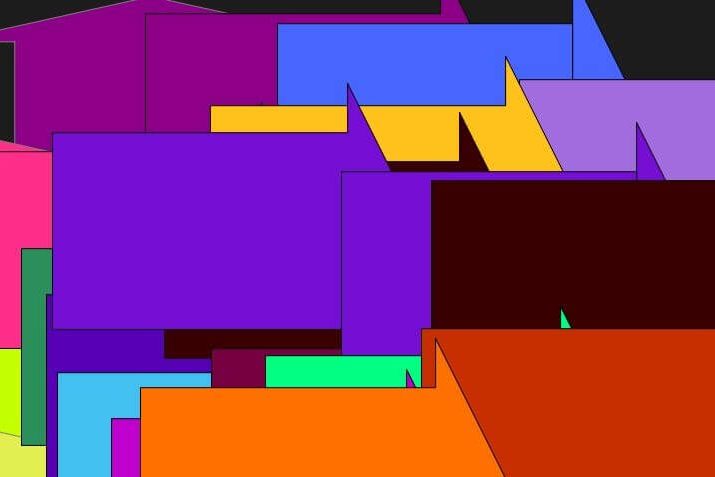
Today we’ll take a quick look at Region Draw Pen Mode. You can use Region Draw Pen Mode to automatically generate different different hatching patterns that fill an interactively specified ellipse or rectangular area of the canvas. A few of the different hatching pattern options are shown above.

Read more

Aug 13 2011

Tightening Up a Paint Preset using Path End Local Color Range

by Synthetik in Uncategorized

Today’s post talks about how to work with the Local Color Range controls in the paint synthesizer’s Path End control panel to tighten up a paint preset for better reproduction of source image details.

Read more

Aug 12 2011

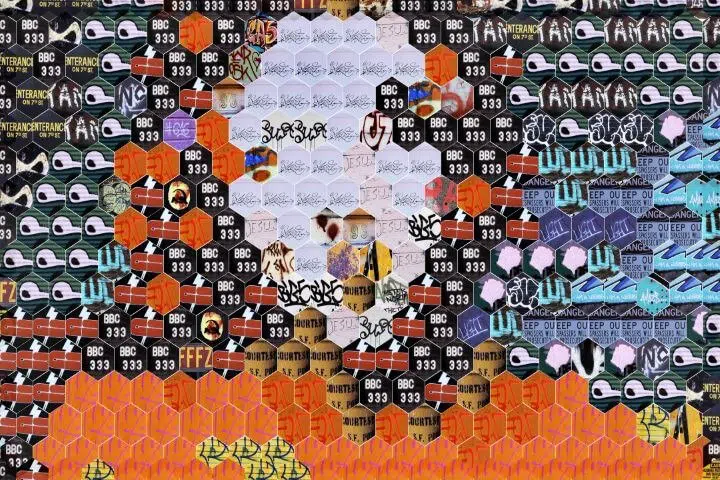
Hex Tiled Random Inset Squares

by Synthetik in Uncategorized

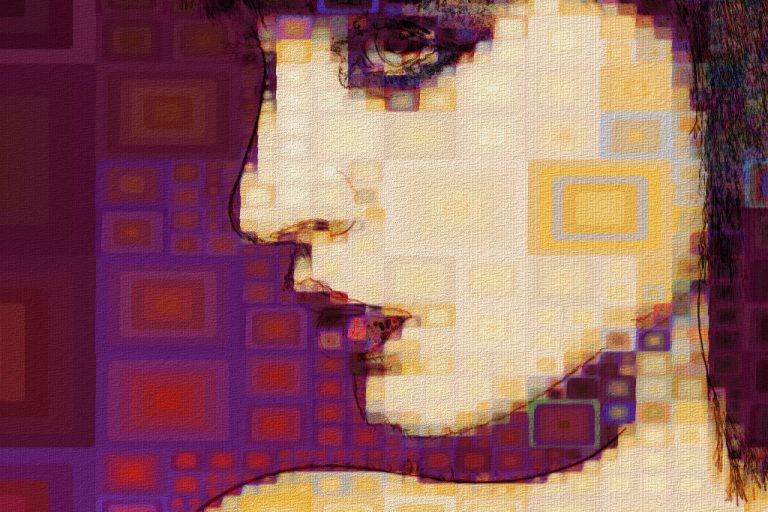
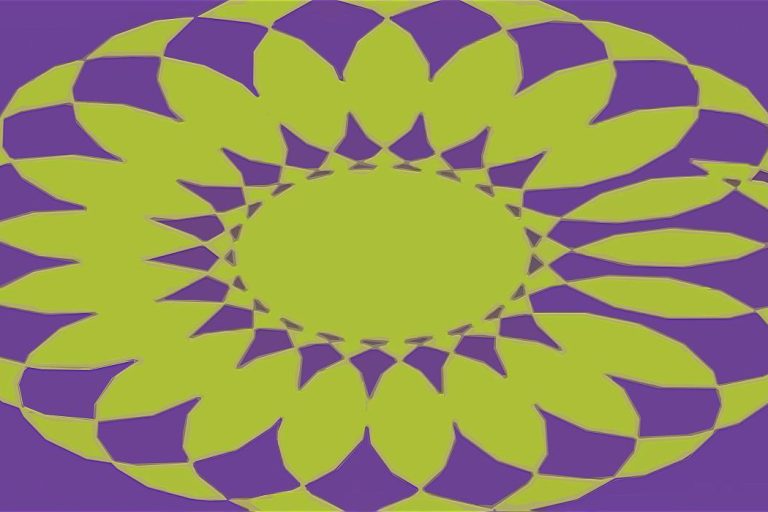
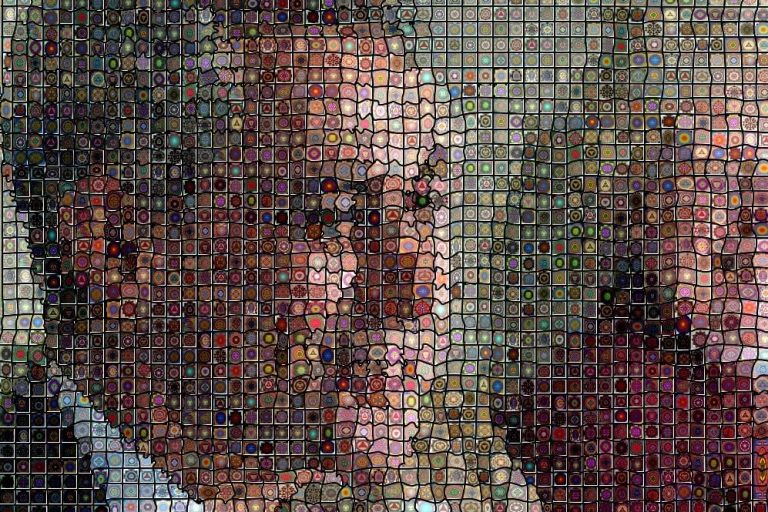
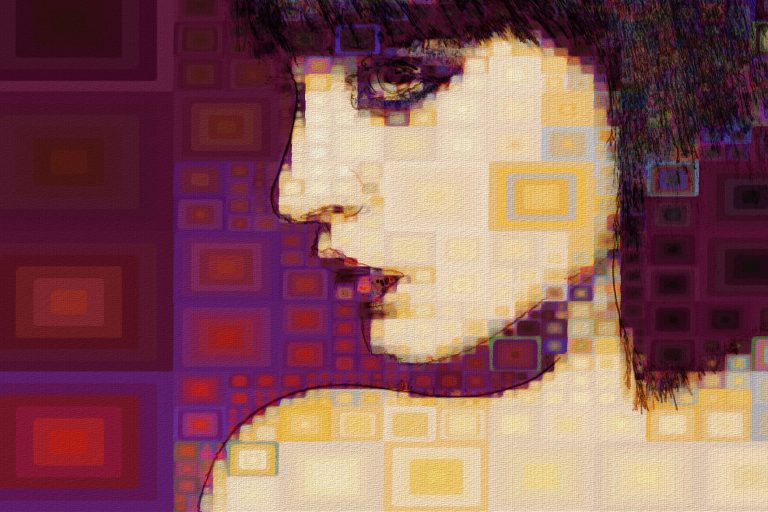
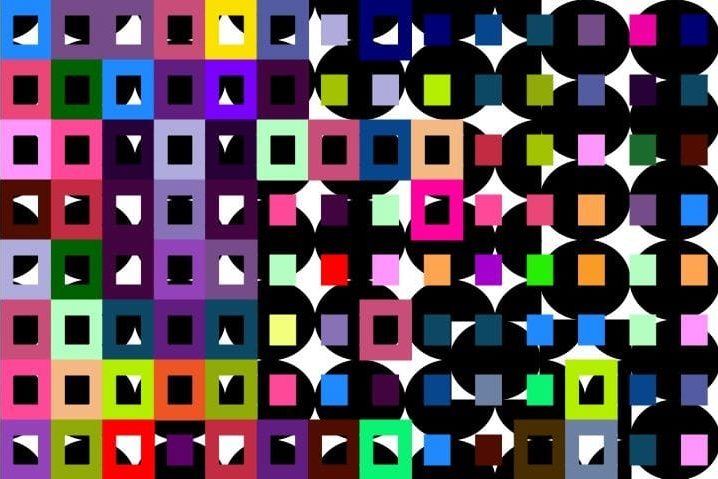
Yesterday we shows how to configure the paint synthesizer to generate a simple tiled inset circle paint effect. Today we modify yesterday’s paint preset to generates hexagonal tiled inset painted squares.

Read more

Aug 11 2011

Tiled Random Inset Circles

by Synthetik in Uncategorized

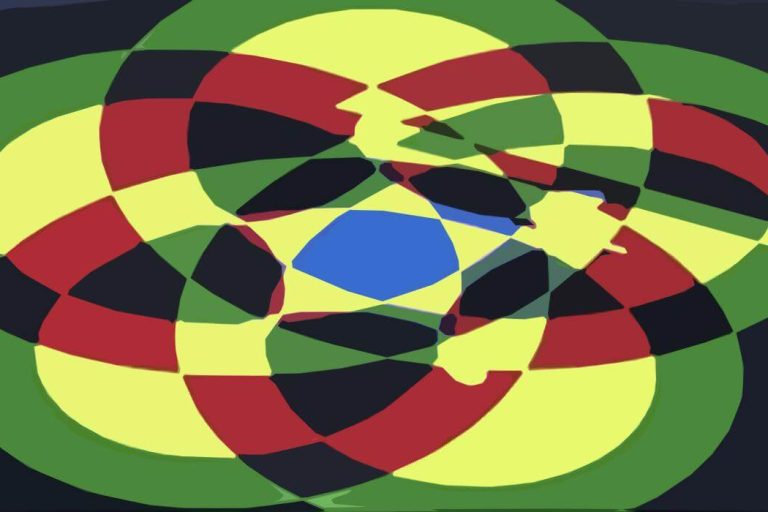
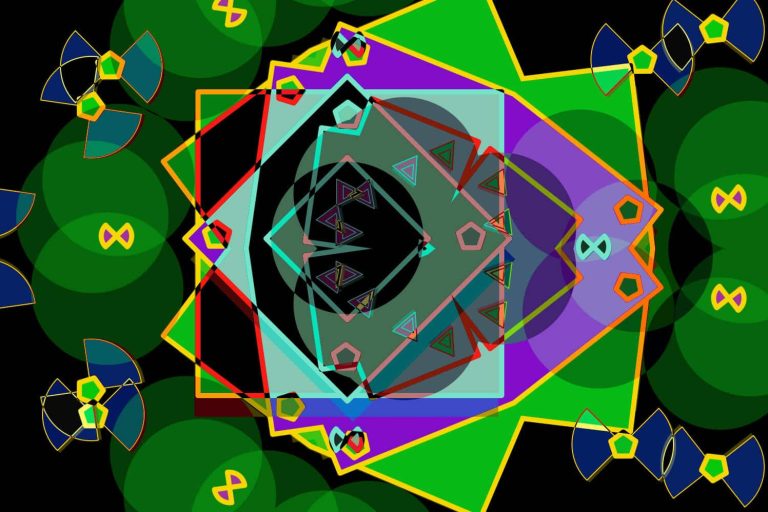
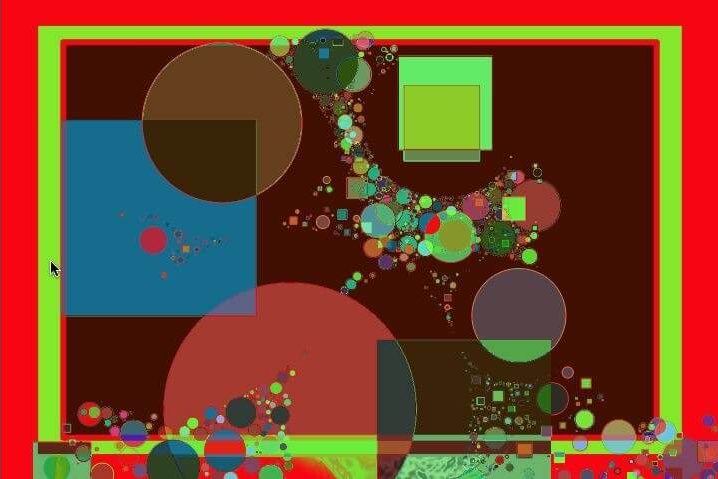
Today’s post shows how to configure the paint synthesizer to generate tiled random sized inset paint circles.

Read more


x
Loading...