Tag Archives: photo mosaic

Jul 19 2011

Hexagonal Photo Mosaic Grid Effect

by Synthetik in Uncategorized

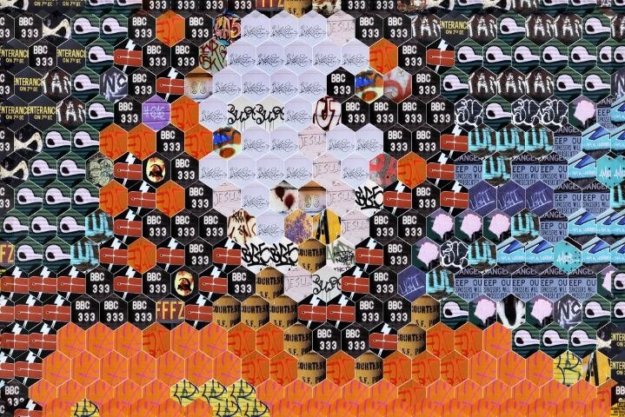
Today’s post will discuss how to build a movie brush that incorporates an embedded alpha channel to create a photo mosaic effect based on a hexagonal grid. The trick is to build your movie brush to include a hexagonal embedded alpha channel mask. And to then use that embedded alpha channel movie brush in the paint synthesizer with a Hexagonal Grid Scan path start Generator.

Read more

Jun 09 2011

Using the Vectorizer to Define PhotoMosaic Shapes

by Synthetik in Uncategorized

Yesterday we showed how to use the Vectorizer to generate flat colored regions that were then used to position paint synthesizer text brush word positioning. Today we’ll show an approach to use the Vectorizer to build a region effect abstracted flat color source representation that the paint synthesizer will then convert into a photo mosaic image based on a movie brush. The photo mosaic sub image layout will be based on the abstracted shapes generated by the Vectorizer.

Read more

Jun 02 2011

Making a Masked Movie Brush from a Folder of Alpha Matted Images

by Synthetik in Uncategorized

In yesterday’s post we showed how to build a masked photo mosaic effect from a movie brush that contains an embedded alpha channel. Today we will show how we built the masked movie brush used in yesterday’s post from a folder of alpha matted images.

Read more

Jun 01 2011

Masked Movie Brush Photo Mosaic Effect

by Synthetik in Uncategorized

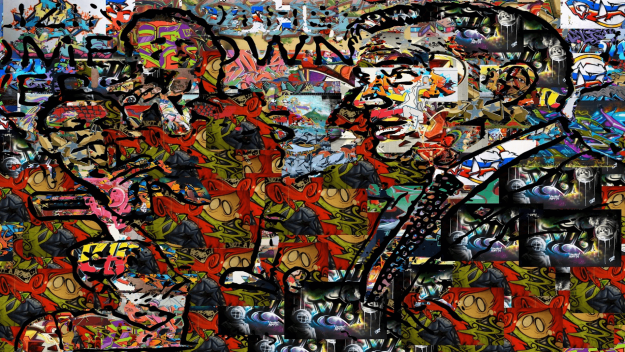
Today’s post will discuss how to create the movie brush photo mosaic effect shown above. The effect uses a movie brush with an embedded alpha channel that masks the objects in each individual movie frame. The effect is also using random paint nib positioning for the individual masked objects, as opposed to laying them down in some kind of regular or adaptive grid patterning.

Read more

Apr 29 2011

Reusing a Movie Brush PASeq with a Different Movie Brush

by Synthetik in Uncategorized

A few days ago we posted a tutorial on how to build a PASeq that automatically generated a sub-nested photo mosaic based on a movie brush paint preset, auto-generating a tiled selection mask that accented the source image edge features by auto-masking the placement of smaller sized mosaic tiles to build detail. When you save a PASeq like the one we built in that post, it referenced a specific movie brush and associated sizing for the tiled selection mask action steps. This post will discuss how to re-use a PASeq like this, since it can easily be re-edited to reference a different movie brush file and associated auto-selection tiling size for the new movie brush you want to work with. We’ll also use a Vectorizer Outline Technique preset to overlay some additional facial features (as seen above) on top of the tiled grid photo mosaic canvas generated by the edited PASeq.

Read more

Apr 26 2011

Auto Generation of Nested Sub-Blocks to Build Detail in a Regular Grid Photo Mosaic

by Synthetik in Uncategorized

See the full gallery on Posterous We’ve previously discussed how to program the paint synthesizer to generate grid tiling paint presets, and how to hand paint 50% size reduced grid tiling movie brush presets to hand paint additional detail in a photo mosaic that properly nests the tiled sub blocks. But sometimes you might not want to put in all that effort to hand paint in the additional detail. This post will discuss an automatic approach you can use that automatically builds a tiled selection mask based on source edge features. By running repeated cycles of auto-building a tiled selection mask at 100% brush size for the cycle and then using that auto-generated tiled mask to mask the auto-painting of a 50% size reduced movie brush photo mosaic preset, you can build a PASeq that will automatically generate a sub-block nested photo mosaic effect without doing any manual drawing to add additional smaller tile block detail.

Read more

Apr 23 2011

Working with Non-Rectangular Shapes in Photo Mosaic Effects

by Synthetik in Uncategorized

See the full gallery on Posterous Today’s post will discuss how to work with creating photo mosaic effects based on movie brushes that contain a series of non-rectangular shapes or objects on flat colored backgrounds. The images above show how i created a movie brush effect using the actual shapes of the objects for the individual brush nibs, as opposed to using rectangular nibs.

Read more

Apr 01 2011

Overlaying a Vectorizer Outline on an Abstract Irregular Photo Mosaic

by Synthetik in Uncategorized

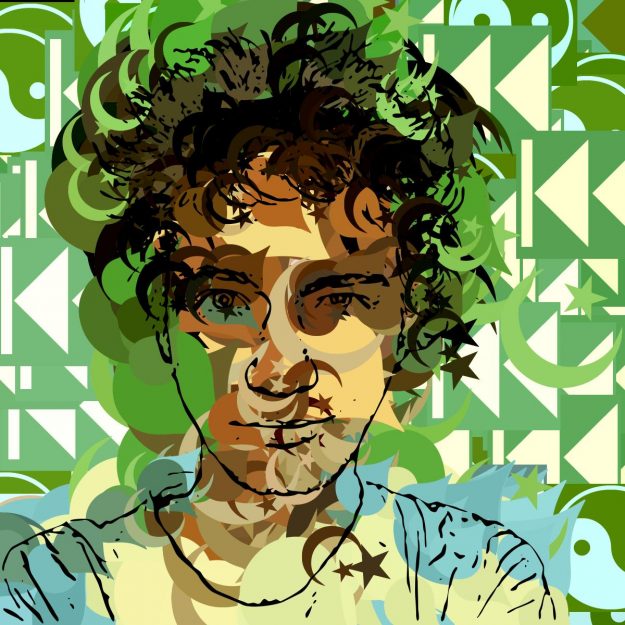
Today’s post continues where we left off with yesterday’s post. We show how to use the Vectorizer to overlay some black source feature outlining on top of a very abstract irregular photo mosaic effect we constructed in yesterday’s post. The source feature outline overlay can help anchor the abstract photo mosaic image, making it more representational of the source image.

Read more

Mar 31 2011

Building an Irregular Photo Mosaic Based on the Vectorizer

by Synthetik in Uncategorized

The last 2 day’s posts have covered working with photo mosaic effects that tile in a regular grid pattern and allow for addition of non-overlapping sub blocks within the tiling mosaic to add additional detail. At the end of yesterday’s post we briefly mentioned that you could use the Vectorizer to define the region structure for a photo mosaic, which allows for all kinds of interesting non-regular mosaic patternings. Today’s post will discuss how to build irregular shaped photo mosaic effects based on Vectorizer generated regions.

Read more

Mar 30 2011

Hand Painting Nested Sub-Blocks to Build Detail in a Regular Grid Photo Mosaic

by Synthetik in Uncategorized

See the full gallery on Posterous Today’s post continues our discussion started yesterday about a particular paint synthesizer approach to generating a traditional photo mosaic rectangular grid. Yesterday we discussed how to modify Path Application control panel settings to setup a regular grid tiling that sub nests with no overlap as the maximum brush size is reduced in 50% increments. This feature allows for additional hand painting with reduced brush sizes to add additional detail to a regular grid photo mosaic, while still staying true to the original regular grid tile positioning. The first image above shows a simple example of what i mean by this. We’ll explore this approach to building a photo mosaic image in this post.

Read more


x
Loading...