
Missing Visual C++ on Windows
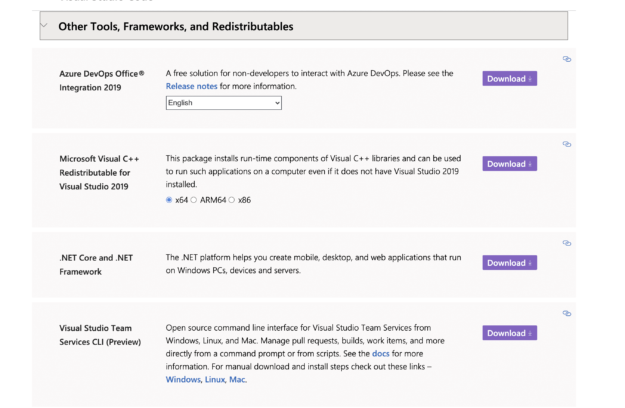
Missing Visual C++ on Windows? Go to this Microsoft link https://visualstudio.microsoft.com/downloads/ Then scroll down the page and click on “Other Tools, Framesworks and Redistributable”. Then in the box labeled Microsoft Visual C++ Redistributable for Visual Studio 2019 Choose X64 and download and install Then Reboot your computer.