Bezier Path Tween Animation Part2

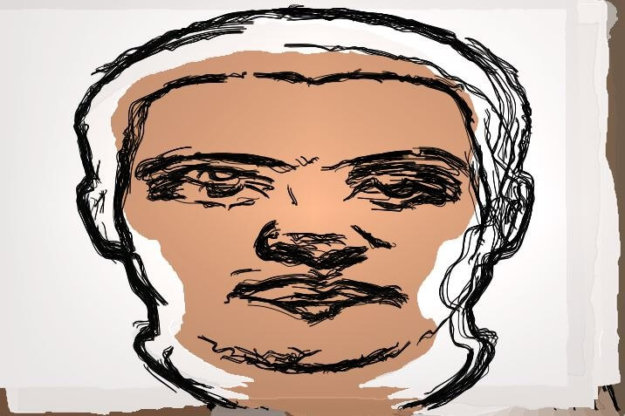
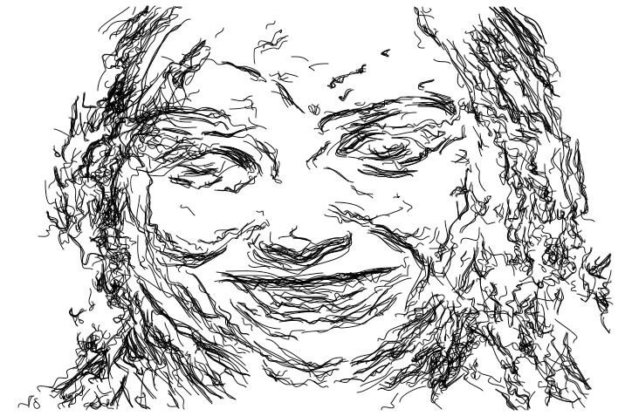
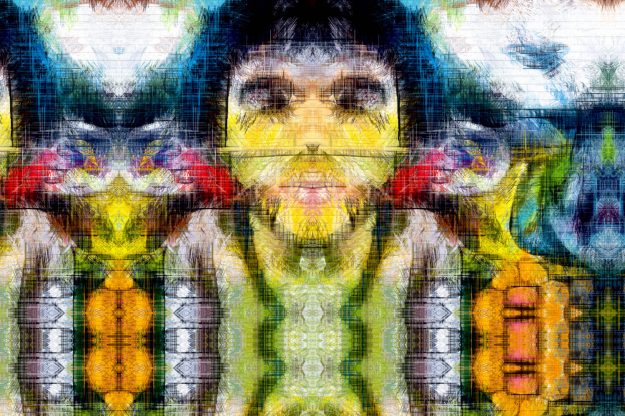
  This post continues the discussion about using embedded bezier paths to generate keyframed animation that morphs between a series of stylized renditions of different source images. We will extend yesterday’s black and white sketch animation example by incorporating a second animating Bezier Context action step that encodes a morphing colored backing for the animation.

What to do with Bezier Paths

Each Studio Artist layer has an associated bezier path frame. The bezier path frame is a buffer for bezier vector paths.  Studio Artist has a unique internal graphics model for paint strokes that paints raster paint over vector paths.  The nice thing about vector paths is that they are resolution independent and in the case…

PASeq Contexts

Studio Artist Paint Action Sequence (PASeq) feature called Contexts. PASeq Contexts can be recorded as individual action steps in a PASeq. Contexts can be used to record source, content, bezier, warp, morph, and filtering keyframes within a PASeq. The screenshot above shows how to access the menus to record all of the various Context types…