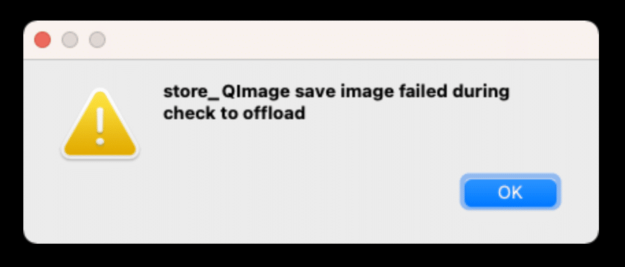
store_QImage save Image Disk failed during check to offload
When you get the ‘store_QImage save Image Disk failed during check to offload’ error message it means you are using undo store preference to disk. It is failing because your operating system is not letting Studio Artist have write access in the Studio Artist folder. You should try two things to remedy this. First…