
Compositing Movies

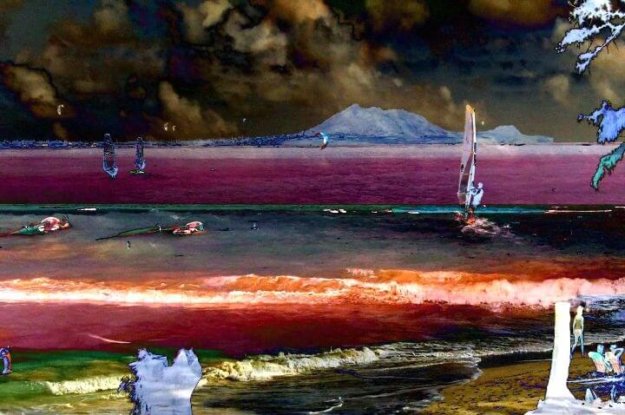
  How to Composite movies by using Content Context Action Steps.  How to use Content Context action steps to associate images or movie files as default backgrounds for specific canvas layers. Today we’ll show how to composite 2 different movie files together by using Content Context action steps to associate them as default backgrounds for…
Converting a Blur Effect into a Sharpen Effect

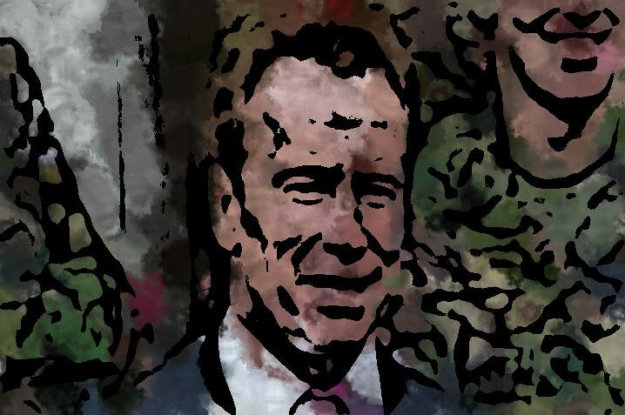
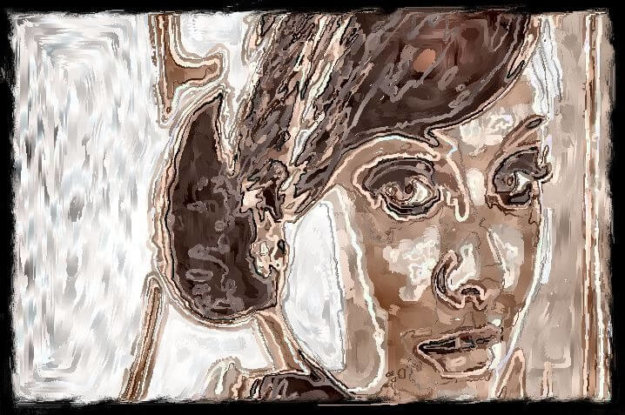
Studio Artist’s various operation modes that generate visual effects all contain standardized generic Compositing controls that can be used to subtly or radically change the nature of a given effect. This post will show how to use the Edge1 option for the generic Composite control in an image processing effect to convert an effect that…

Working With Alpha Channels in Layers

Each layer in Studio Artist is composed of 3 RGB (red-green-blue) image channels and 1 alpha (A) channel. The RGB image channels define a color image. The alpha channel is an extra image buffer that can be thought of as an additional mask channel associated with the layer. Technically the pixel values in the alpha…