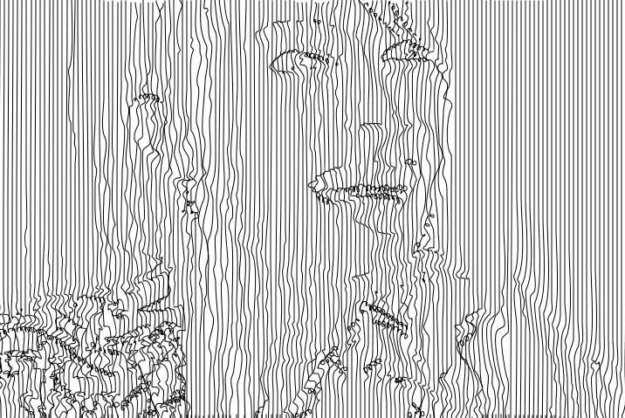
Simple Pantograph Effect
The following image shows a simple Pantograph effect generated using the paint synthesizer. The details of how this effect was put together is interesting, so we’ll explore it’s underpinnings in more depth in this post.

The following image shows a simple Pantograph effect generated using the paint synthesizer. The details of how this effect was put together is interesting, so we’ll explore it’s underpinnings in more depth in this post.
Typically the paint synthesizer auto-draws by generating a paint path and then painting it in. This process repeats individual path by path. However, you can configure the paint synthesizer to analyze the source image, construct a series of automatically generated regions, and then fill in each region with different kinds of paint patterns. In this…
Time Particles provide a way for individual paint strokes painted by the paint synthesizer to have temporal continuity in an animation. Temporal continuity means that the individual paint strokes are present across multiple sequential frames as the animation progresses. The individual paint strokes associated with the time particles can have their own movement that is occurring over…
MSG Live is a new Source option in the paint synthesizer’s Brush Source control panel. This source brush option uses the current MSG preset to generate a source brush image buffer on the fly when drawing. Any MSG preset can be used to interactively generate the source brush, which means you can use Temporal Generators…
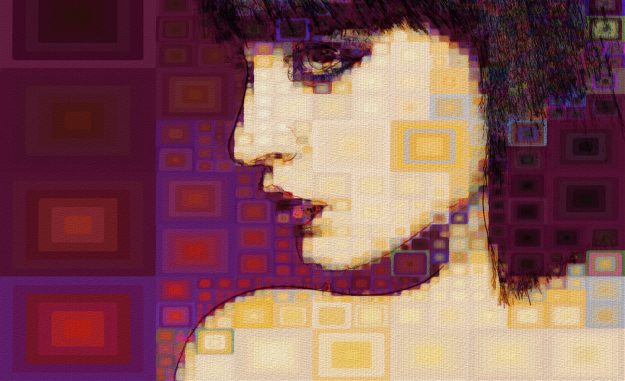
Today we’ll take a quick look at Region Draw Pen Mode. You can use Region Draw Pen Mode to automatically generate different different hatching patterns that fill an interactively specified ellipse or rectangular area of the canvas. A few of the different hatching pattern options are shown above.