Tag Archives: bezier path

Jun 12 2011

Image Paint Effect with Positioned Text Words

by Synthetik in Uncategorized

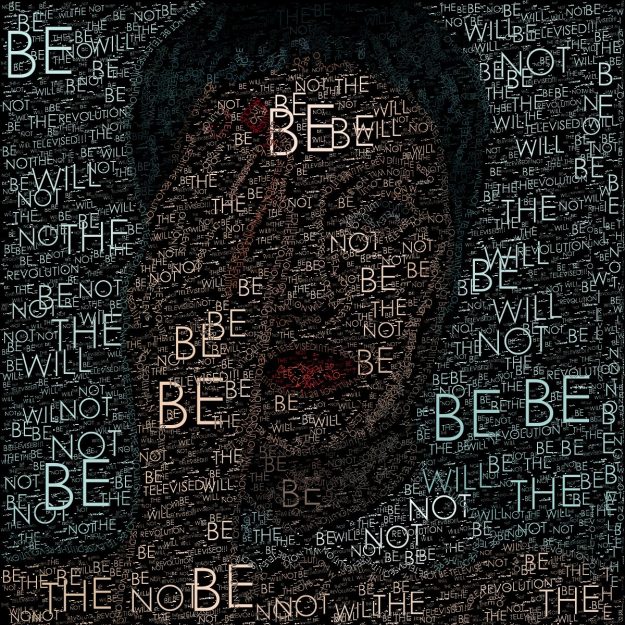
Today’s post combines 2 different kinds of text painting to build a paint effect that renders a source image with colored text words. Some paint synthesizer editing tricks are used to be somewhat clever about how the individual text words are positioned on the canvas.
Read more

May 28 2011

Building Morphing Effects Using Morph Contexts

by Synthetik in Uncategorized

We’ve been discussing Bezier Contexts over the last few days. As you recall, a Bezier Context is a PASeq action step that can store multiple sets of bezier paths as keyframes, and generate bezier movement when interpolating between 2 different keyframes. Today we’ll discuss how to use a Morph Context to generate image morph effect. Studio Artist uses the positioning and movement of bezier paths over time to specify a morph between 2 different images. A Morph Context is a PASeq action step that can store a set of bezier paths and a reference to an image in a keyframe. An image morph is generated when a Morph Context interpolates between 2 different keyframes.

Read more

May 27 2011

Using Bezier Keyframe Interpolation to Build up a Static Image

by Synthetik in Uncategorized

Yesterday we showed how to store sets of bezier paths into a Bezier Context action step. And then how to use bezier path keyframe animation to build an animating pencil sketch effect. In today’s post, we’ll slightly modify the PASeq we built for yesterday’s animation effect, and show how you can use bezier path keyframe interpolation to build up a single static artistic image effect rather than an animating movie file. The keyframe movement of the bezier paths combined with some simple recursive image processing work together to build up a single shaded sketch, where the shading is build up from the bezier path movement over time.

Read more

May 26 2011

Keyframing a Bezier Context to Generate an Animating Sketch

by Synthetik in Uncategorized

Today’s post shows how to take the stylized set of bezier sketch paths we generated in yesterday’s post, and use them in a Bezier Context action step in a PASeq to generate keyframed bezier path movement over time. This lets us build an animated painted sketch effect based on the keyframe movement of the bezier paths over time. For this simple example we’ll just use 2 keyframes, based on the original bezier sketch effect derived in yesterday’s post and a second bezier warped version of those original bezier sketch paths.

Read more

May 25 2011

Manual Bezier Editing to Stylize a Sketch Effect

by Synthetik in Uncategorized

Yesterday’s post described how to automatically generate a set of bezier paths derived from the source image, and then paint in the bezier paths with a vector paint preset. Today we will show how you can use additional manual bezier editing steps to stylize a set of bezier paths prior to painting them in with a paint synthesizer preset.

Read more

May 24 2011

Crisp Pencil Sketch Effect

by Synthetik in Uncategorized

Today’s post describes how to build a simple crisp pencil sketch effect. The effect is painted in with 2 applications of a paint synthesizer vector paint preset that renders a smooth thin gray vector paint stroke. Rather than using the paint synthesizer’s auto-paint features, a set of bezier paths that represent the sketch strokes are first built with a series of Path menu commands and then painted in with the paint synthesizer.

Read more

May 14 2011

Using Watershed Sketch to Drive the Paint Synthesizer

by Synthetik in Uncategorized

Yesterday we used the Watershed Sketch image operation effect to build a stylized color sketch effect. Today we’ll continue where we left off with yesterday’s discussion, by using the Watershed Sketch effect to drive the paint synthesizer for painting in a more visually complex sketch effect (based on the same 2 Watershed Sketch presets we built for yesterday’s example).

Read more

Dec 11 2010

Bezier Path Tween Animation Part2

by Synthetik in Uncategorized

This post continues the discussion about using embedded bezier paths to generate keyframed animation that morphs between a series of stylized renditions of different source images. We will extend yesterday’s black and white sketch animation example by incorporating a second animating Bezier Context action step that encodes a morphing colored backing for the animation.

Read more

Dec 10 2010

Bezier Path Tween Animation Sketch

by Synthetik in Uncategorized

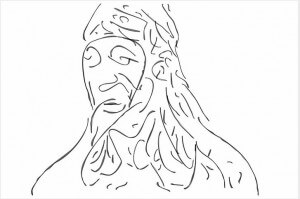
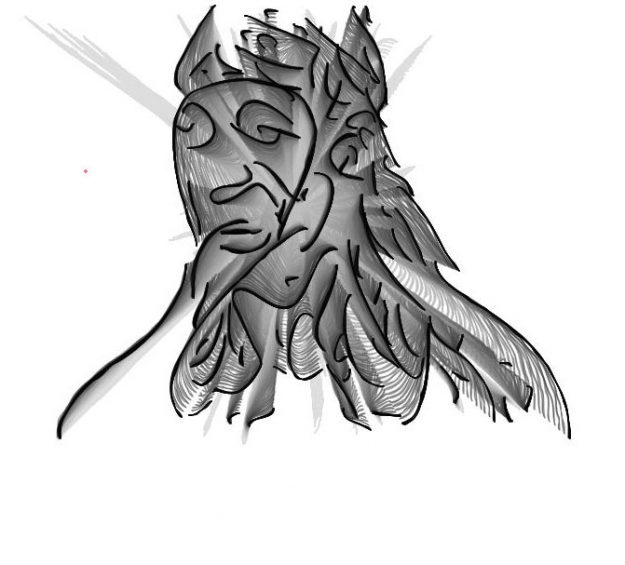
The image above is a still frame from a bezier path tween animation. A series of bezier path edge sketches were keyframed to build a morphing animation that transforms through a sequence of different still images of faces. The still image sketch output shown above was generated between 2 keyframes, so it’s a sketch of a virtual morphed face rather than a specific facial image.

Read more

Dec 03 2010

Bezier Keyframe Paint Animation

by Synthetik in Uncategorized

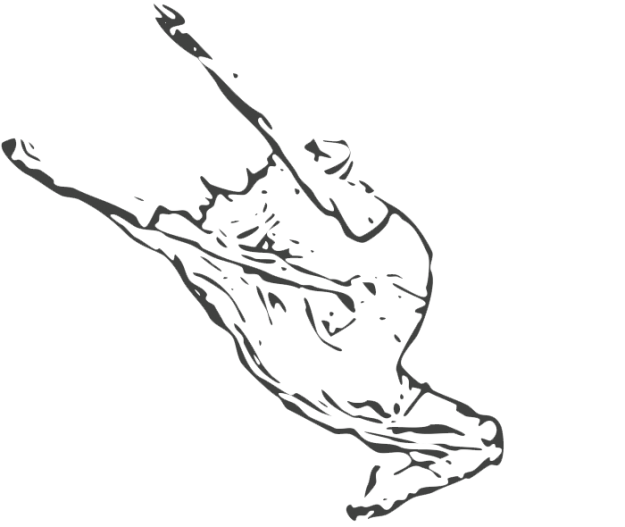
This post continues our discussion yesterday about working with Path menu commands to generate bezier paths for painting. In yesterday’s post we used a series of path menu commands in a PASeq to build a stylized woodcut block print paint effect. Today we will show how to take the stylized source image outline paths from yesterdays PASeq and keyframe animate the set of bezier paths over time to build a moving paint animation.

Read more


x
Loading...