Tag Archives: slit scan
Moving Object Size Distortion in Temporal Slitscan Effects
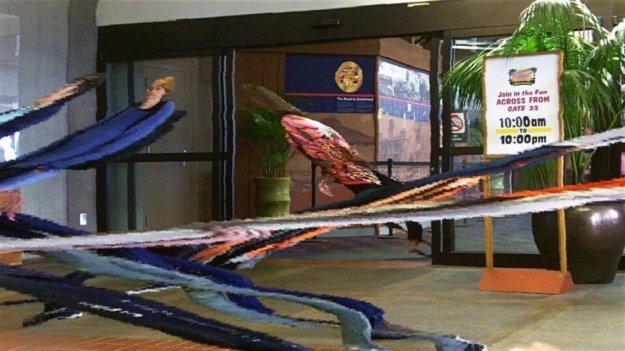
Temporal slitscan processing effects can generate all kinds of visually interesting size distortions to objects moving in the movie file processed by the slitscan effect. This post will explore one example of this based on processing a 90 degree video pan with the Temporal Scan Tracker effect.
Working with the SlitScan Direction in a Temporal Scan Tracker Effect
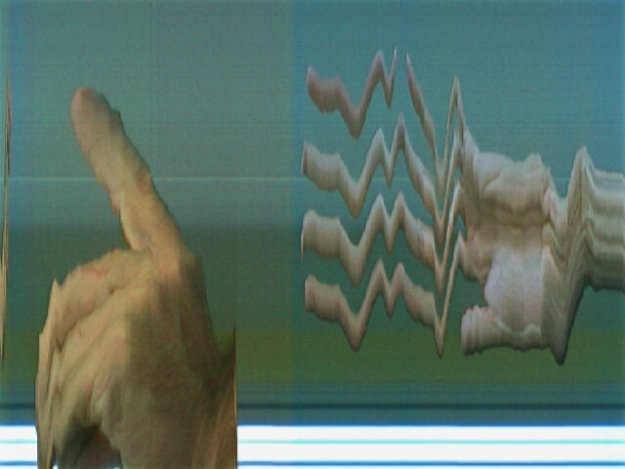
See the full gallery on Posterous Today’s post will discuss working with the SlitScan direction control in a Temporal Scan Tracker effect. All of Studio Artist’s temporal image processing effects work with loaded source movie files and process multiple input frames taken from different times in the movie to build time based image processing effects.
Time Axis Rotation
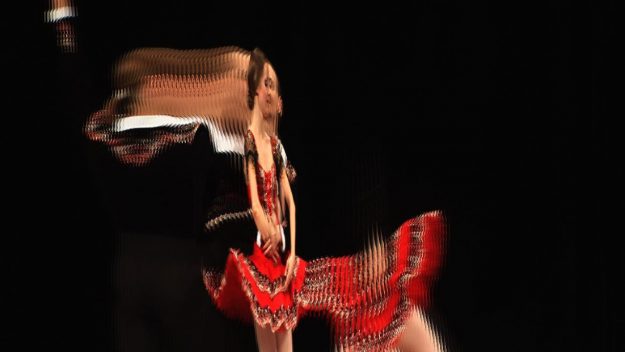
Time Axis Rotation (shown above) is a cool temporal image processing feature available in Studio Artist 4. The image shown above is a frame capture from a time axis rotation video, which was generated by processing a source video of some kung fu fighters in a gym throwing kicks at each other with a time axis rotation effect. In looking at the frame capture you can see that a pretty boring source video of people doing some movement has been transformed into some amazing abstract animation. You can think of this effect as a variation on slit scan video processing, which we’ve discussed for the last few posts. It also provides an interesting conceptual hurdle many people have trouble first ‘groking’, but here goes. You can think of a digital video as being a 3 dimensional object, where the horizontal and vertical spatial frame axis are 2 of the 3 dimensions, and the frames as stacked in order move through the 3rd dimensional ‘z’ axis. So a digital video file is like a rectangular box floating in space. What time axis rotation does is rotate the 3D box, so that what was a time axis is now one of the spatial axis in the box that represents the digital video file. Is your brain also starting to spin when you think about this?
Live Video Slit Scan Effects
In the last 2 posts we’ve been discussing how to generate a vast array of different artistic slit scan effects in Studio Artist by processing a source movie file with temporal image operation effects. However, you can also generate live video processing slit scan effects in real time using your Mac’s built in iSight camera (or any Quicktime supported external video input source like a web cam). The image above shows off a simple example of live video slit scan processing.
Adjusting Slit Scan Effects- Scan Direction
Studio Artist 4 provides a number of different fully automatic Temporal Image Processing effects that can be adjusted to build a wide range of artistic slit scan effects that process a set of video frames into a static 2D image. These temporal effects include the Temporal Scan Tracker as well as the Temporal Slit Scan Complete effects. By changing the direction of the slit scan based on it’s relationship to movement occurring in the source video you can dramatically change the kind of artistic effect generated by the slit scan processing. The slit scan example above was created with a static video camera view, and a vertical SlitScan tracking direction. The horizontal movement of individual people in the video sequence interacts with the vertical scan direction of the effect to create the ‘streamers’ in the resulting output image. Each streamer corresponds to an individual person moving through the video sequence used as the source movie for the slit scan effect. The progression of time in the video sequence is encapsulated into a single static 2D image.
Slit Scan Effects
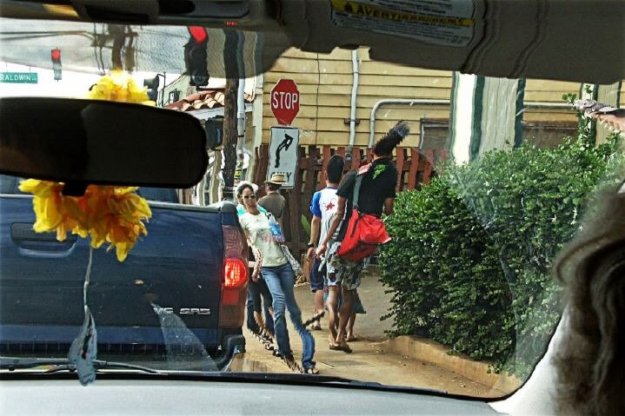
I was recently checking out Studio Artist user John Neel’s photo blog and realized he was creating slit scan effects by hand in another unnamed photo program using multiple layers, which must be a tedious chore to say the least. Studio Artist 4 offers a variety of different fully automatic approaches to creating a wide variety of slit scan effects. After John realized this he got very excited to say the least. My example slit scan shown above was created in Studio Artist by automatically processing some video footage i shot in Southbank in Melbourne Australia. I used a Flip video camera to take a 360 degree pan while standing at a stationary point in Southbank. The slit scan effect converts the video pan into a static panorama image in this particular example.