
Skip to content
Login

My Account | Register

YouTube page opens in new window
Search:
Studio Artist AI
AI Art and Animation Generator – Every Style Imaginable
Studio Artist AI
  • Home
  • About
    • About Synthetik Software
  • Key Features
    • Features Overview
    • New 5.5 Features
  • Galleries
    • The Paint SynthesizerAuto – Assisted – Manual Painting and Drawing
    • Automatic Sketching and DrawingScribble – Headcuts – Crosshatch – Cartoon – Outline – Ink Brushes – Edging – Pencil
    • Automatic Photo Mosaics
    • Movie – Animation & Rotoscoping ExamplesHundreds of Examples of Factory Presets – Animation, Rotoscoping and Video Effects. All Presets included with Studio Artist 5.5
    • Animation Video Auto-Rotoscoping
    • Interactive Computer Generated AnimationsSelf-Animating Kaleidoscopic and Abstract Effects
    • The VectorizerInstant Photo to Vector Art
    • Instant Abstract Art and Interactive Spiro Art Generator
    • Vector PaintsComplex Rich Resolution Independent Vector Paints – Natural Media to Wild Styles
    • Image Effects Suite
    • Trippy Time Based EffectsSlit Scans for Video or Still Images
    • One-Click MSG Generative Art
    • Warp and AdjustInteractive Warping and Adjusting
  • Upgrade Information
  • Purchase
  • Support
    • Training Videos
      • All Studio Artist Training Videos
      • Getting Started Videos
    • Knowledge Base BlogSearch for answers and troubleshoot common issues
    • Tips and TricksGetting Started with Studio Artist
      • Deeper Dive
    • User’s Guide
    • Contact Support
  • Contact
    • Contact Us
  • Home
  • About
    • About Synthetik Software
  • Key Features
    • Features Overview
    • New 5.5 Features
  • Galleries
    • The Paint SynthesizerAuto – Assisted – Manual Painting and Drawing
    • Automatic Sketching and DrawingScribble – Headcuts – Crosshatch – Cartoon – Outline – Ink Brushes – Edging – Pencil
    • Automatic Photo Mosaics
    • Movie – Animation & Rotoscoping ExamplesHundreds of Examples of Factory Presets – Animation, Rotoscoping and Video Effects. All Presets included with Studio Artist 5.5
    • Animation Video Auto-Rotoscoping
    • Interactive Computer Generated AnimationsSelf-Animating Kaleidoscopic and Abstract Effects
    • The VectorizerInstant Photo to Vector Art
    • Instant Abstract Art and Interactive Spiro Art Generator
    • Vector PaintsComplex Rich Resolution Independent Vector Paints – Natural Media to Wild Styles
    • Image Effects Suite
    • Trippy Time Based EffectsSlit Scans for Video or Still Images
    • One-Click MSG Generative Art
    • Warp and AdjustInteractive Warping and Adjusting
  • Upgrade Information
  • Purchase
  • Support
    • Training Videos
      • All Studio Artist Training Videos
      • Getting Started Videos
    • Knowledge Base BlogSearch for answers and troubleshoot common issues
    • Tips and TricksGetting Started with Studio Artist
      • Deeper Dive
    • User’s Guide
    • Contact Support
  • Contact
    • Contact Us

Category Archives: Painting and Paint Synthesizer

You are here:
  1. Home
  2. Category "Painting and Paint Synthesizer"

Stretch2 Source Brush Type

Painting and Paint SynthesizerBy sean01/17/20157 Comments

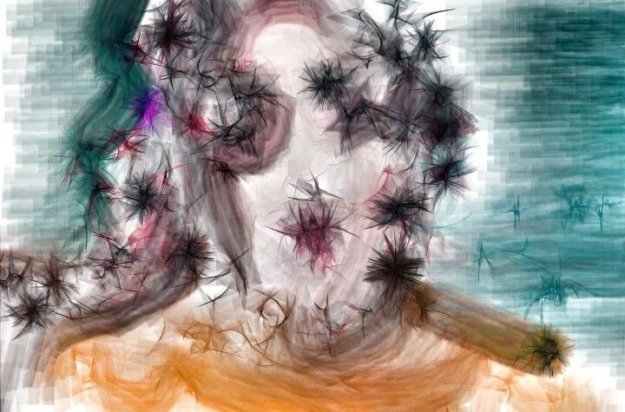
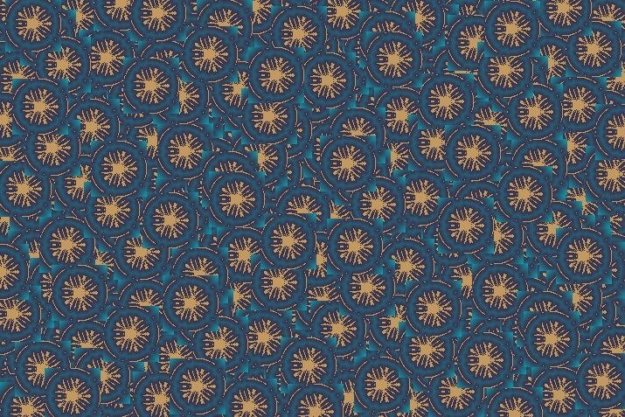
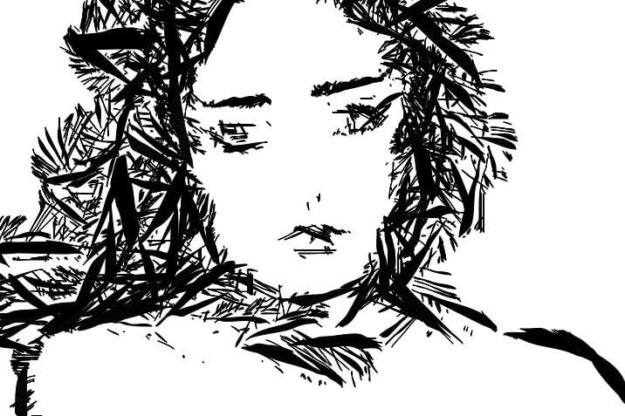
The following two images above were generated with a feature in the Studio Artist paint synthesizer, called the Stretch2 Brush Type. The Stretch2 Brush Type lets you stretch warp an image or movie brush onto the complete paint path when painting. So think of the image as being like a rubber sheet that stretches, twists,…
Programming Dynamic MSG Source Brushes

MSG, Painting and Paint SynthesizerBy sean01/10/20152 Comments

This post continues the thread we started yesterday about how to build MSG Live Source Brushes. So we’re using a MSG preset to extend the paint synthesizer by running the MSG preset live to generate a dynamic brush shape for each paint nib. Yesterday’s post used the same MSG brush image for each painted brush…

Making a MSG Source Brush

MSG, Painting and Paint SynthesizerBy sean01/09/20153 Comments

Today we’ll begin take a look at how to use a MSG preset to build a dynamic source brush in the Studio artist paint synthesizer.

Bambo Sketch – A Look Under the Hood

Painting and Paint SynthesizerBy sean01/07/2015

The image above was generated using the new Bamboo Sketch paint preset. This post will take a look under the hood of the paint synthesizer to show how this particular paint preset was programmed to generate it’s stylistic bamboo sketch look.

Building a DualMode Paint Animation from a Magic Spiro Preset

Dual Mode Painting, Painting and Paint SynthesizerBy sean01/03/2015

  Today’s post will take the A Magic Spiral paint preset we discussed in yesterday’s post and convert it into a DualMode paint preset. We will then build a paint animation from streaming the DualMode paint preset auto-painting into an open movie stream.

←1
2345678910111213
…1415161718…
192021
22→

Studio Artist 5.5

Training Videos
Tips
Knowledge Base
User's Guide

Legal

Privacy Policy
Terms and Conditions
  • Support
    Get Support

Studio Artist 5.5

Features
What's New in 5.5

Training Videos

Training Videos

Help

Contact Support
Training Videos
Tips
Knowledge Base
User's Guide

Studio Artist AI

© Synthetik Software 1999-2026 • All rights reserved

Go to Top