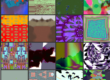
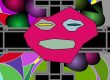
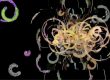
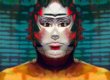
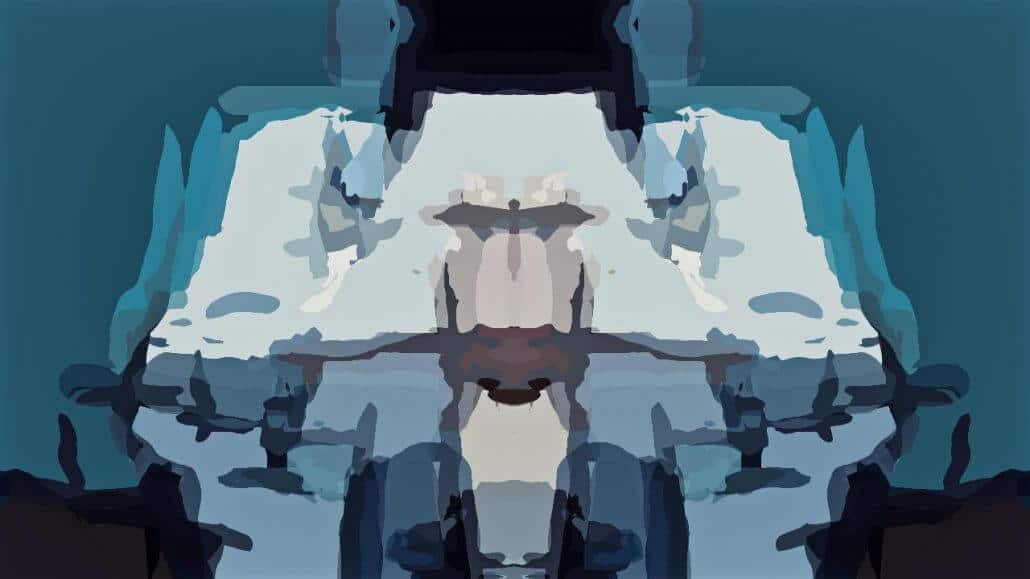
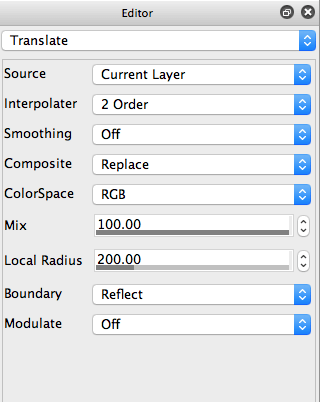
Yesterday we showed how to build a float sum area MSG preset that generates a resolution independent color source edge abstraction effect. Today we’ll show how to colorize yesterdays’s flat color edge effect. We’ll also add some symmetry translation warping to the colorized edge abstraction to create the finished effect shown above.
This is the paint action sequence (PASeq) used this effect flatmsg.paseq
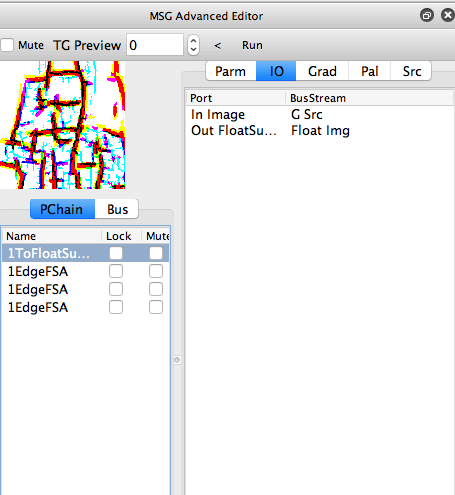
The PASeq starts out by using the MSG color source edge abstraction preset we showcased in yesterday’s post. This MSG preset generates a flat color source edge abstraction effect.
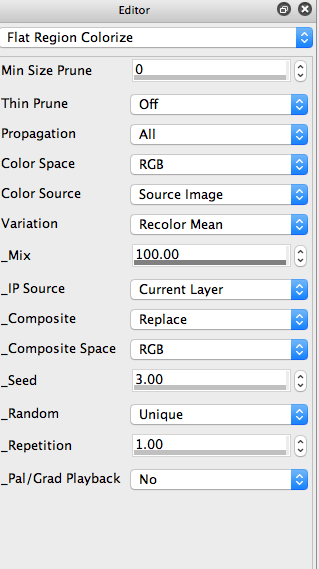
Since the effect generates hard edges flat color regions, it can be colorized by the Flat Color Regionize image operation effect. This effect is very versatile, but we’re using it’s default settings, which colorize a flat color region canvas image based on the source image colorings.
The remaining action steps just provide some additional enhancement and cleanup, as opposed to being main components of the abstraction effect. The SmartBlur ip op was used to smooth out the hard edges generated by the colorized source edge abstraction. And the Blur ip op was used with an Edge1 Composite setting to sharpen the finished canvas.