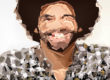
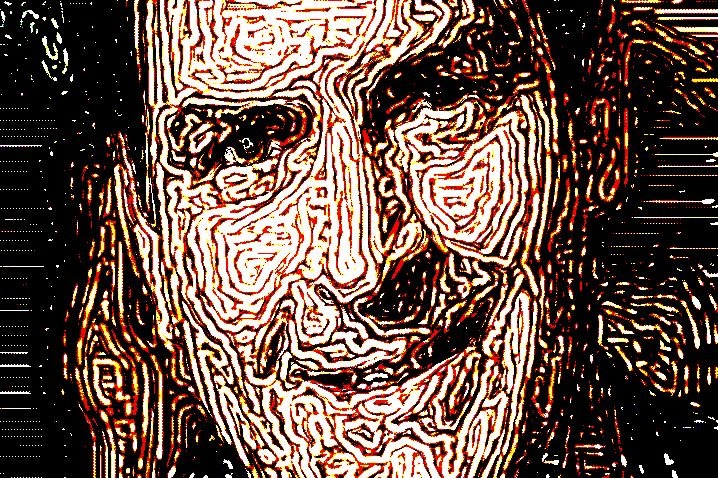
Yesterday we showed how to use the paint synthesizer to build a smart random screen halftone effect. today we will show how a simple editing change in the paint synthesizer can change the effect to emulate a woodcut screening or litho print effect.
The paint action sequence used for today’s effects is shown below and essentially is the same as yesterday’s effect.

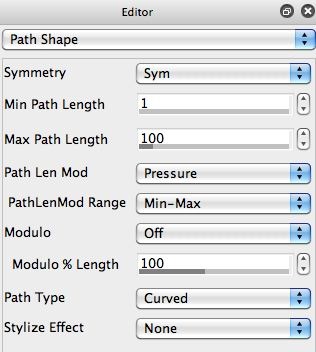

The only difference is that I made a few changes to the controls in the Path Shape control panel (2nd gallery image above). First, I increased the Max Path length from 1 to 100. Second, I change the Symmetry control from Non-Sym to Sym. I also made sure the Path type was set to Curved. And that the Angle in the Path Angle control panel was set to Orient.
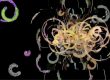
These editing changes change the screen generation from a series of individual smart oriented and nib masked ellipse dots to actual paint strokes. Again, i’m still painting with the ellipse Brush Image. The generated screen from these editing changes is shown in the 3rd gallery image above.