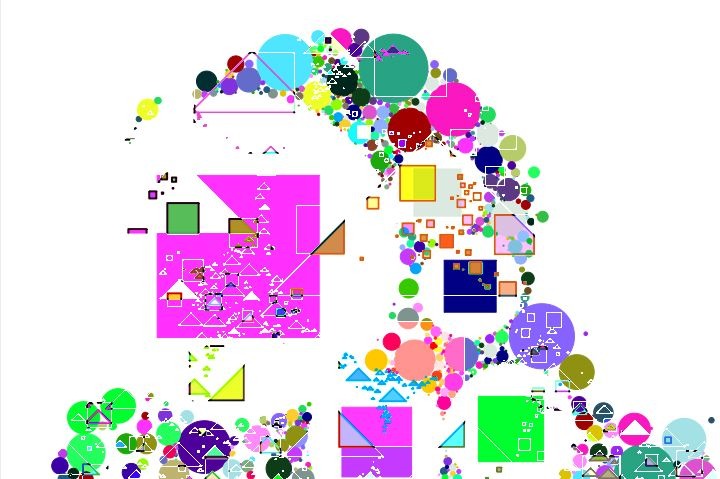
Today’s post continues the image modulated apollonian gasket close packing experiment we started in yesterday’s post. We’ll modify yesterday’s MSG preset to combine 2 different image modulated close-packed abstractions into a single output image. And we’ll use self-modulating recursion to generate a series of images to build an abstract animation.
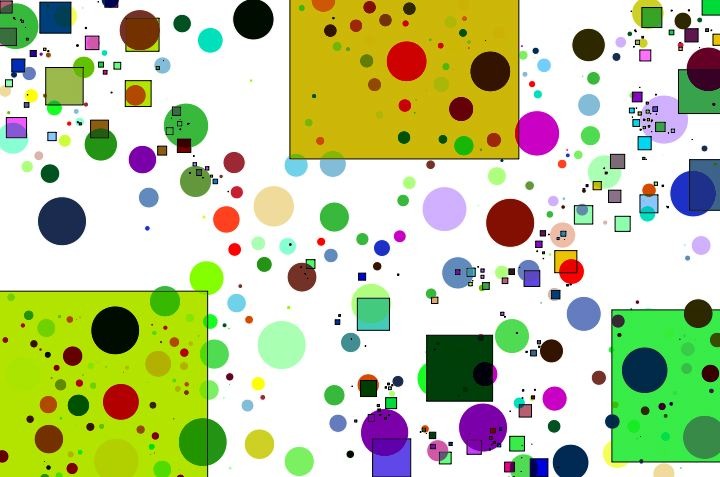
I started by modifying yeserday’s simple MSG preset to use a second 3C Abstract7 CP processor. As you may recall, the 3C Abstract7 CP processor generates a close packing arrangement of circles or other geometric shapes, based on the notion of the apollonian gasket self similar fractal. The processor is capable of generating randomly positioned close packed circles (with it’s Background parameter set to 0). Or the input image streams can be used to modulate the sampling locations of the close packed circles when the Background parameter is set to the values 1 or 2.
I option dragged a copy of the 3C Abstract7 CP processor, which duplicates the option dragged processor in the processor chain list. I then added 3 temporary image streams to the preset Bus, and used them as the 3 color output streams for the second processor. Both processor had a Background setting of 2, and their 3 input channels were hooked up to the GSrc input stream (which as you may recall is a crude approximation of the source image luminance).
The image gallery below shows off how the new MSG preset was constructed.
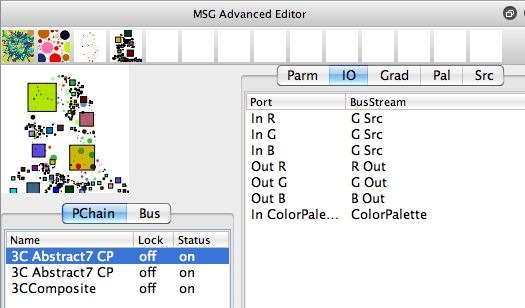
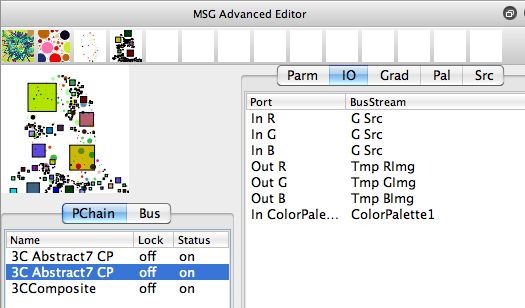
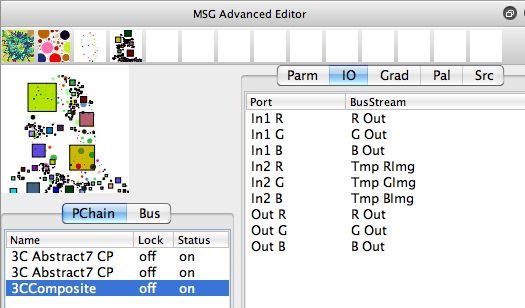
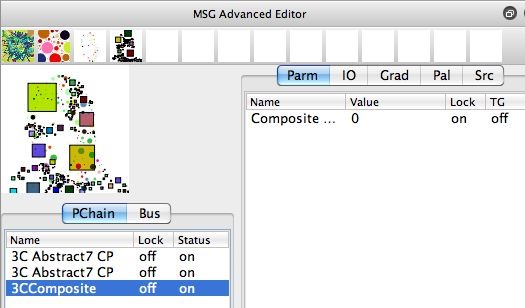
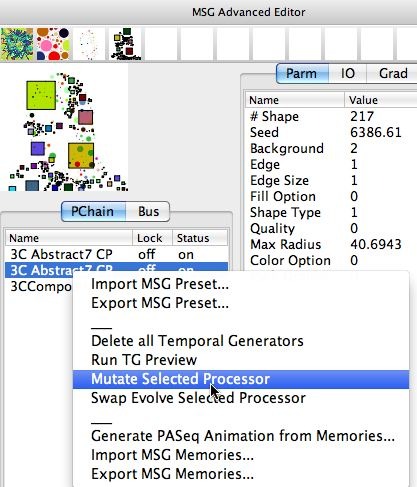
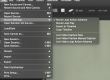
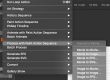
The first 3 gallery images show off the IO (input-output) connections used to build the MSG preset. Note that i’m using a 3CComposite processor to combine the 2 processor’s 3 channel output image streams into a single 3 channel image stream for the final effect output. Note that in gallery image 4 I locked the Composite parameter to the value 0, which happens to be a Min composite setting.
Note that in the 5th gallery image I selected the second 3C Abstract7 CP processor by control clicking on it (right click on windows), and then ran the Mutate Selected Processor context menu command. this context menu command mutates the selected processor parameters. Note that the Background parameter is locked with a value of 2, so the parameter mutation will not affect that particular parameter. I did the parameter mutation for the second processor because an option drag makes a copy, and I wanted that processor’s parameters to be different that the first one so that the 3CComposite processor would be Min compositing 3 different effect outputs into a single output image.
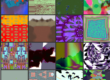
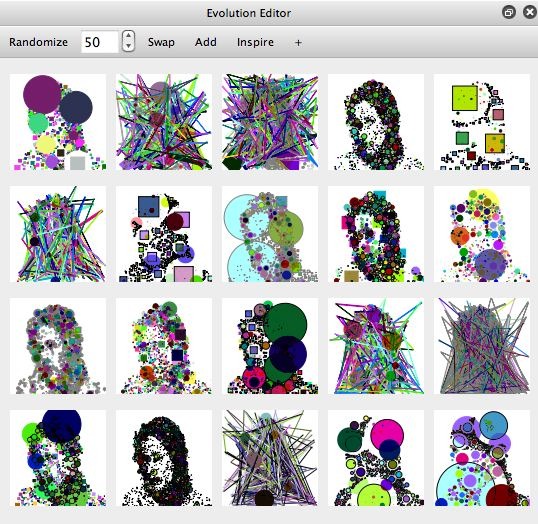
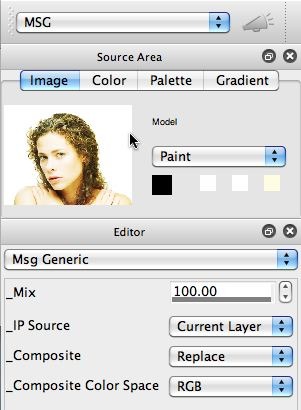
The 6th gallery image shows off mutated variants of our new MSG effect, that Min composites 2 different spatially modulated close packed abstract images. Note that the preview in the MSG Advanced Editor and the Evolution preview cells always process the current Source Image. However, if you look at the 7th gallery image, you can see that IP Source for the MSG effect is set to use the Current Layer (not the Source image).
Because of this, if you run the MSG preset in loop action mode, the previous output will be the image used to modulate the new positioning of the close packed shapes generated by the effect. I opened a new movie stream, set the movie stream write frame flag to Enable Write on Op End, and ran the preset in loop action for awhile to buildup an animation. You can see the animation here. Note that the recursive nature of the processing (the previous effect output modulating the current effect’s object positioning), leads to an endless stream of changing abstract animating imagery.
I tried an additional effect, where I edited the 3CComposite processor to run off the lock on the Composite parameter. And I added another copy of the 3C Abstract7 CP processor and 3CComposite processor cycle, to build even more complexity while allowing for more varied compositing options. I also went back to processing the Source image for the IP Source for the effect. You can see some of the results below.