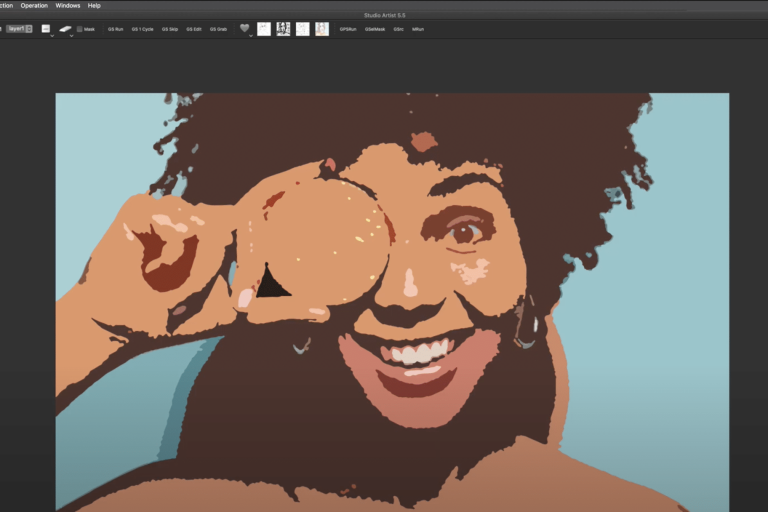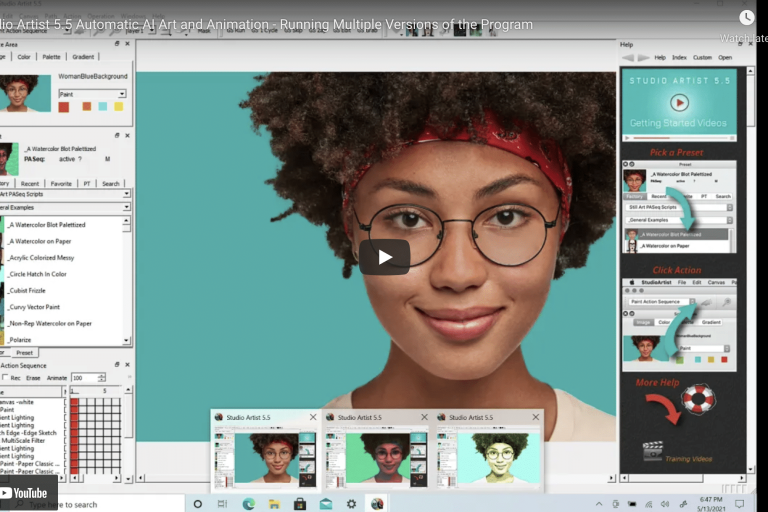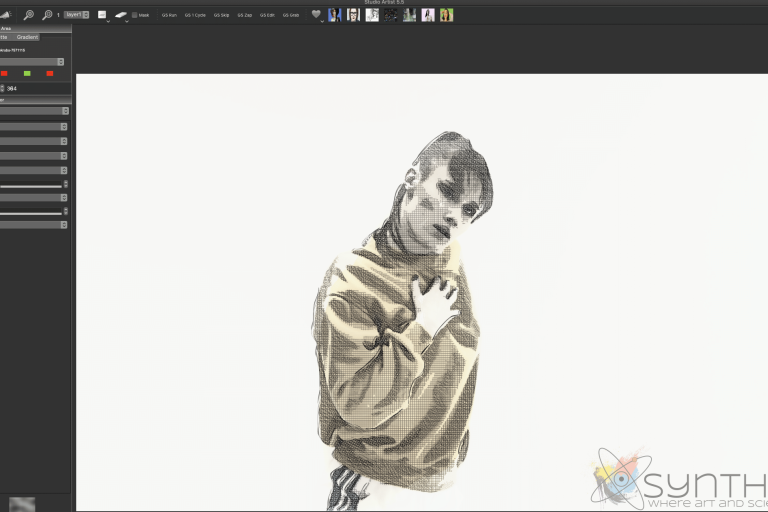

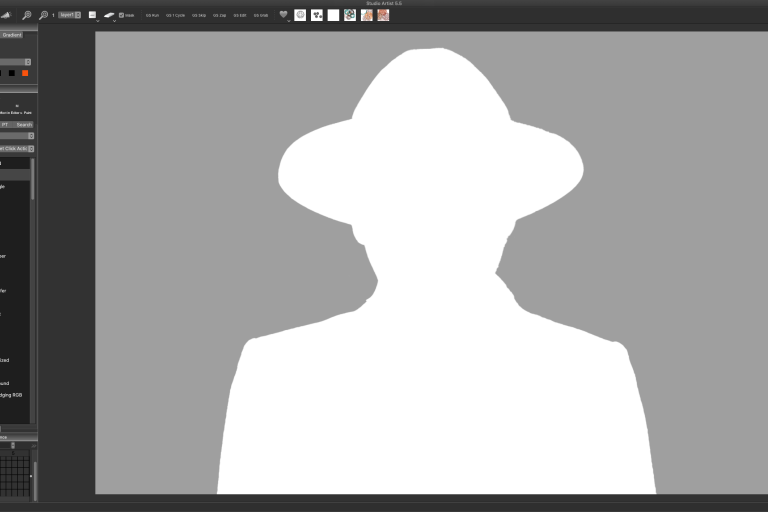
Working with Source .png Images – Transparent Backgrounds
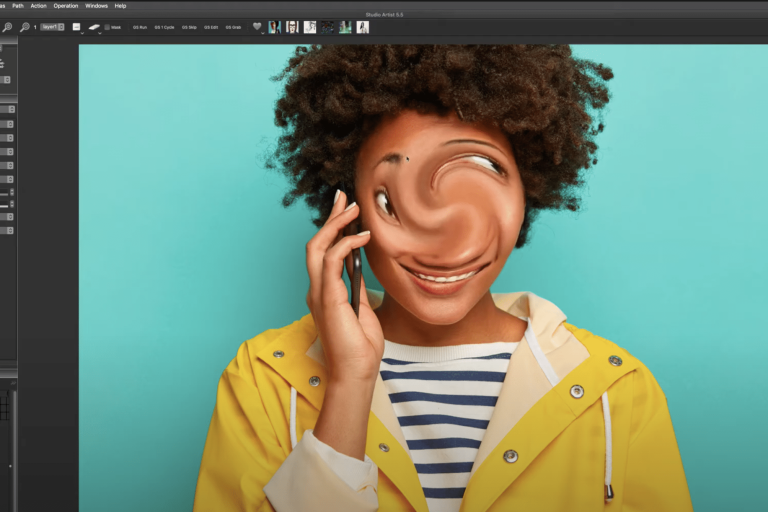
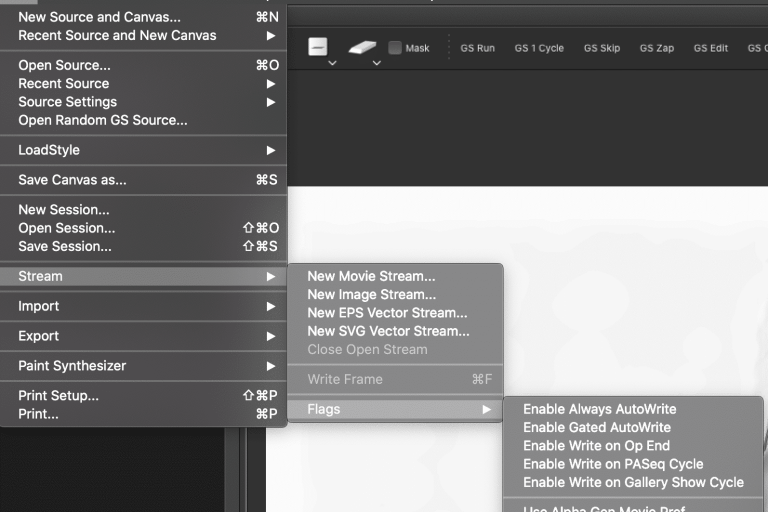
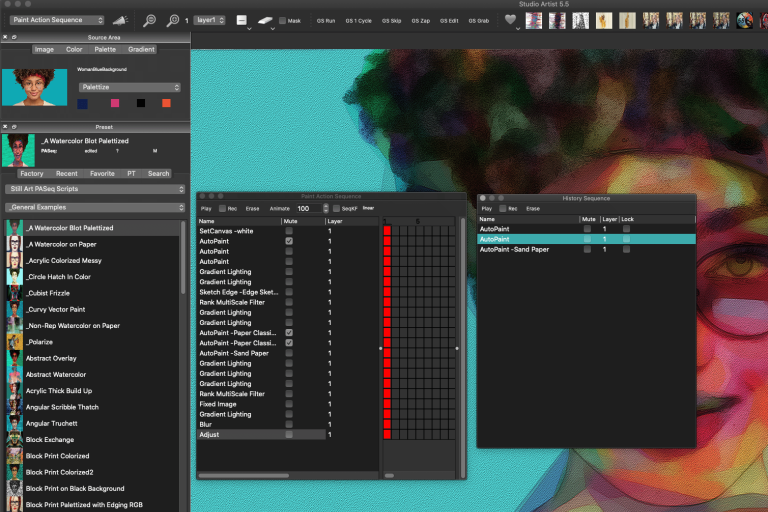
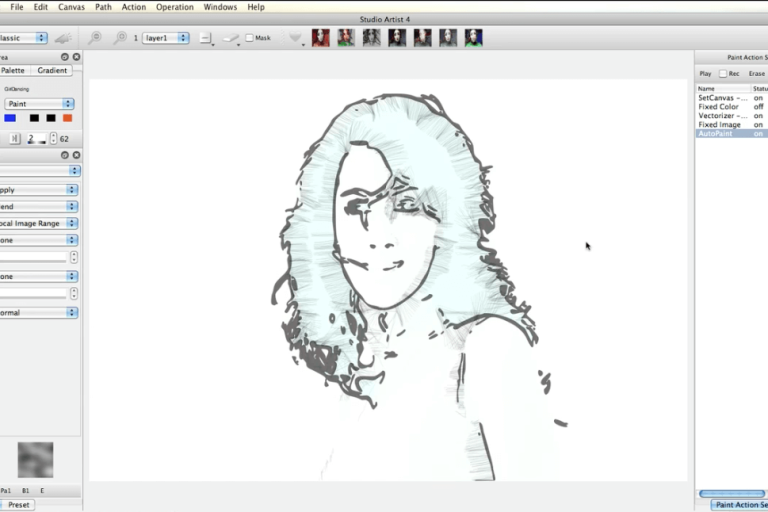
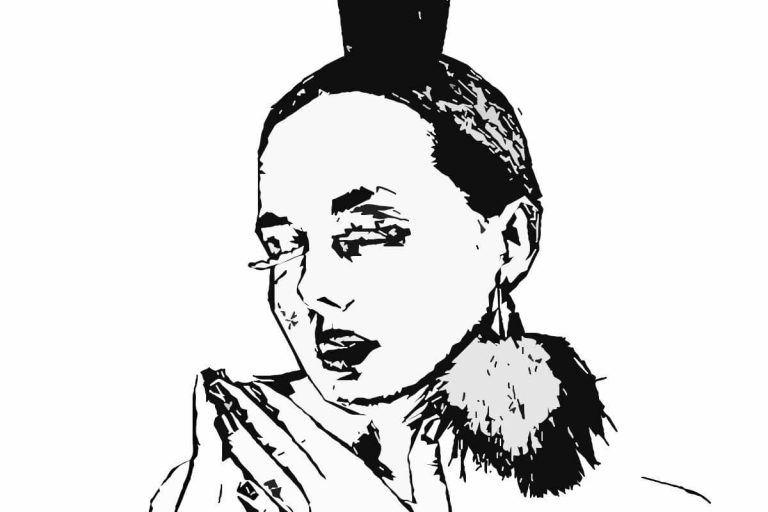
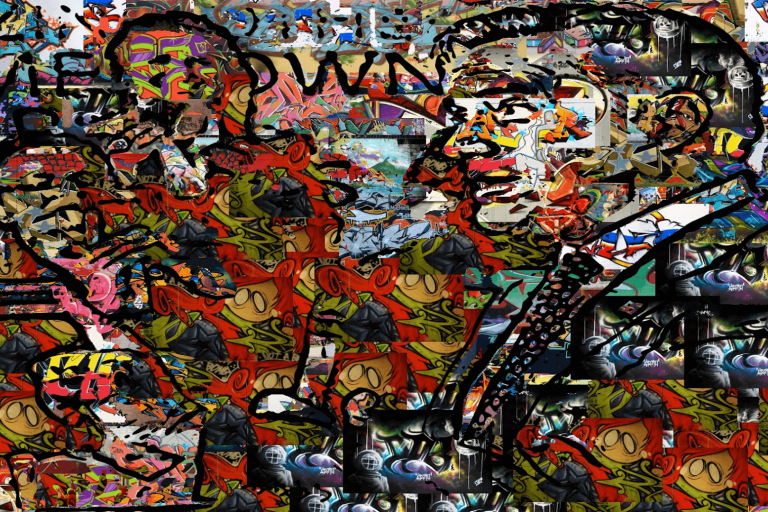
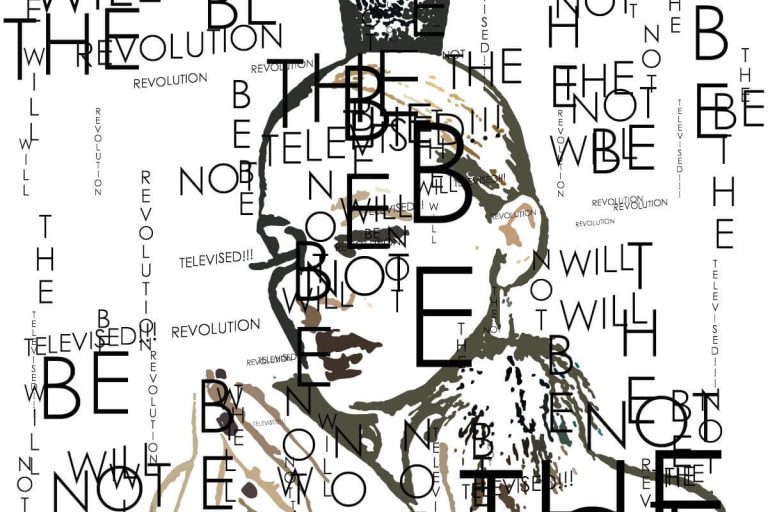
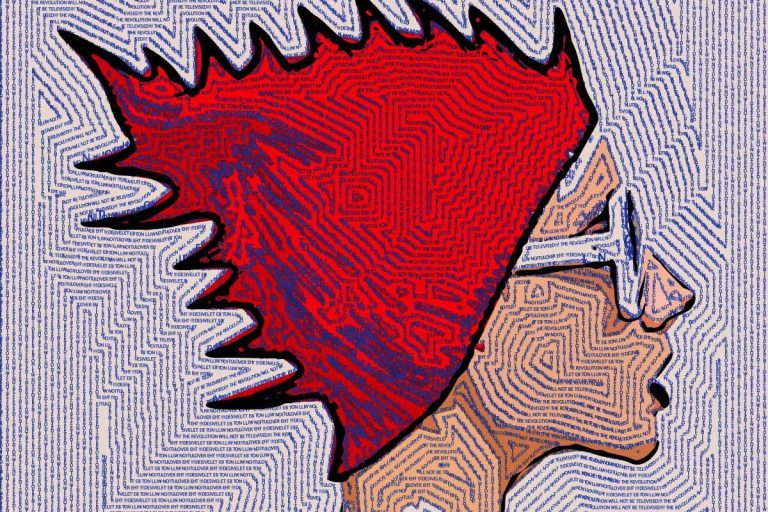
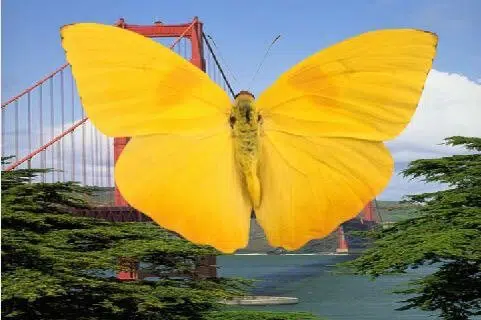
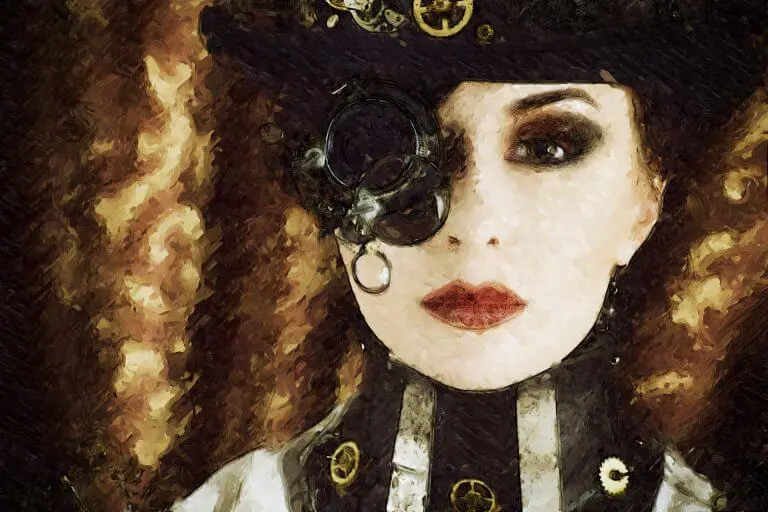
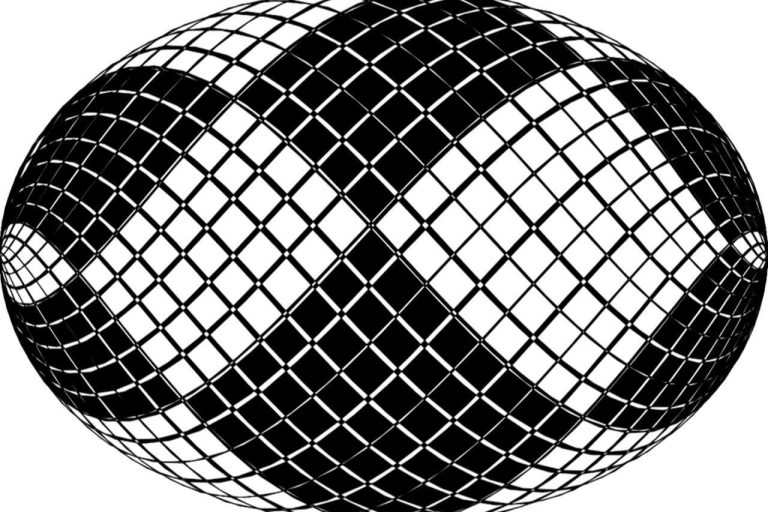
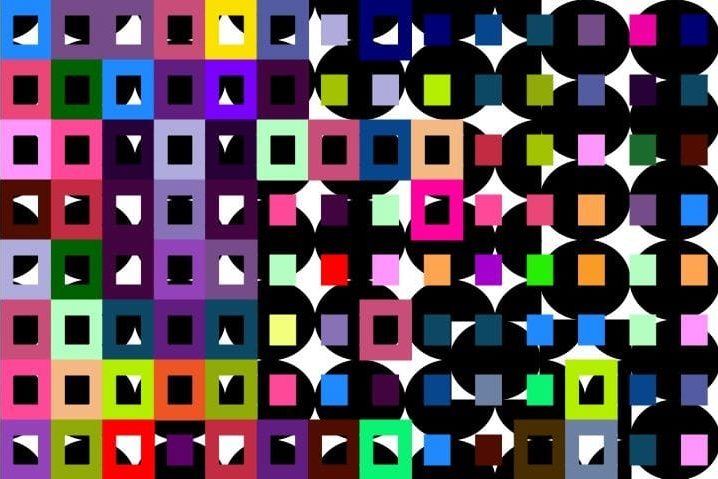
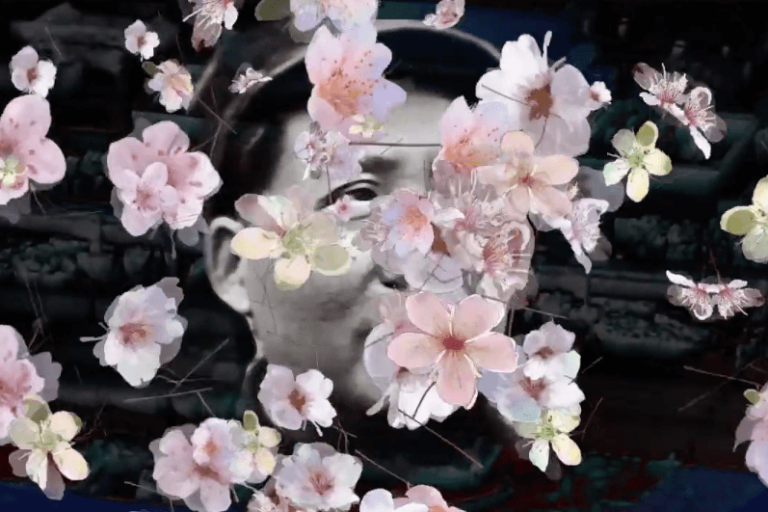
Working with Source .png Images Turning the alpha channel on for transparent .png backgrounds When using .png source images with transparent backgrounds, you will need to set Canvas > Selection > Set to > Source Alpha and then Check Mask in the top Bar of the interface Check Mask Studio Artist will show the alpha…